13 Best AI Presentation Makers in 2026 (Tested With Real Slides)
Generate a full deck in minutes. Or terrible AI slop. I'll tell you which slide maker does what.
Why you can trust me: Testing Methodology & Editorial policy





Don't settle for a slide maker that can't do these. I've just recently sorted out 10 tools that simply couldn't go with the latest developments; you can find them in our AI Tools List.
❤️ I'd like to thank you for using my affiliate links to sign up to free trials, LLMs are constantly stealing my content and you help me stay afloat and create more of this genuine content ❤️
I give every presentation software the same prompt which is simply: "AI Tools for SMEs". I want to see if they can create meaningful content and add relevant images, diagrams, and graphics within an overall good design. This straightforward prompt serves as an excellent benchmark because it requires the AI to understand business context and also leaves lots of room to go astray.
Then I rate the tool based on these markers:
Also, check out our Testing Methodology and Editorial Policy if you want to know more about how we test tools and make sure we always stay unbiased.



Gamma is the best in it's class because it is able to create whole slide decks from a very simple prompt (in our test it was "AI Tools for SMEs") and excels at both: creating elaborate content AND incredible design.
Every other tool in this AI tool category struggles to deliver both on an equally strong level.
With their AI Agent feature, they catapulted themselves even further ahead of the competition. Now with Gamma 5 you make changes mostly through the chat window and don't have to fumble around manually.
This integrated agent can scan the internet for relevant info, include data from attachments and even help improve design.
Check out the video above where I show you how it works and also the generation process for a slide.
Gamma has by far the most advanced AI and has been the industry leader for a while now (ever since I tested it first 2 years ago). Integrations within the tool: I really appreciate the ChatGPT4 integration for text and Flux for generating images. You can also create social media post or websites easily with Gamma.
While I typically recommend monthly subscriptions for AI tools, Gamma has established such clear dominance in the presentation AI category that I'm making an exception. No other tool comes close to matching their capabilities, and this leadership position shows no signs of changing anytime soon. Given that their annual Pro plan offers a 25% discount, I recommend choosing the yearly option if you regularly create presentations, social media content, or simple websites.
Best feature: AI Agent, which is a real game changer especially for adding content from various sources. Will independently suggest relevant information to add to your slides or website.
AI capabilities: Can create a full slide deck with elaborate content and design for you. Its AI Agent feature adds insights from uploaded documents and links. Integration of the newest image generators and can create exactly the style you want.
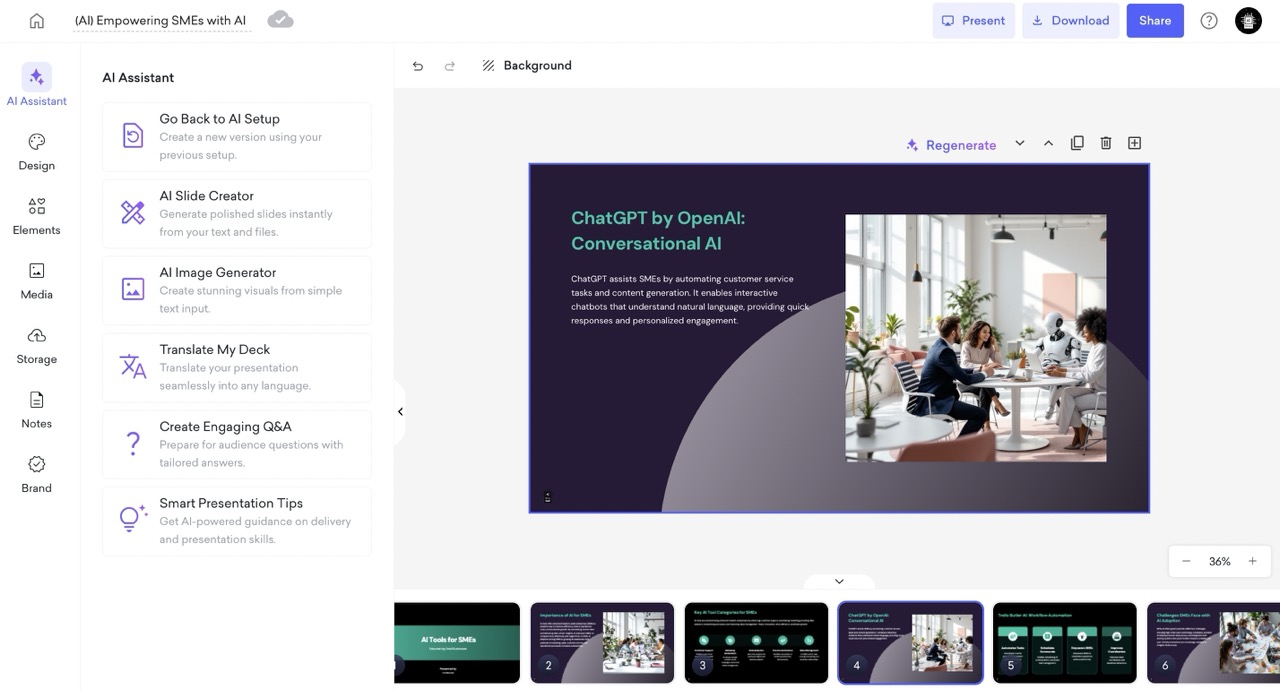
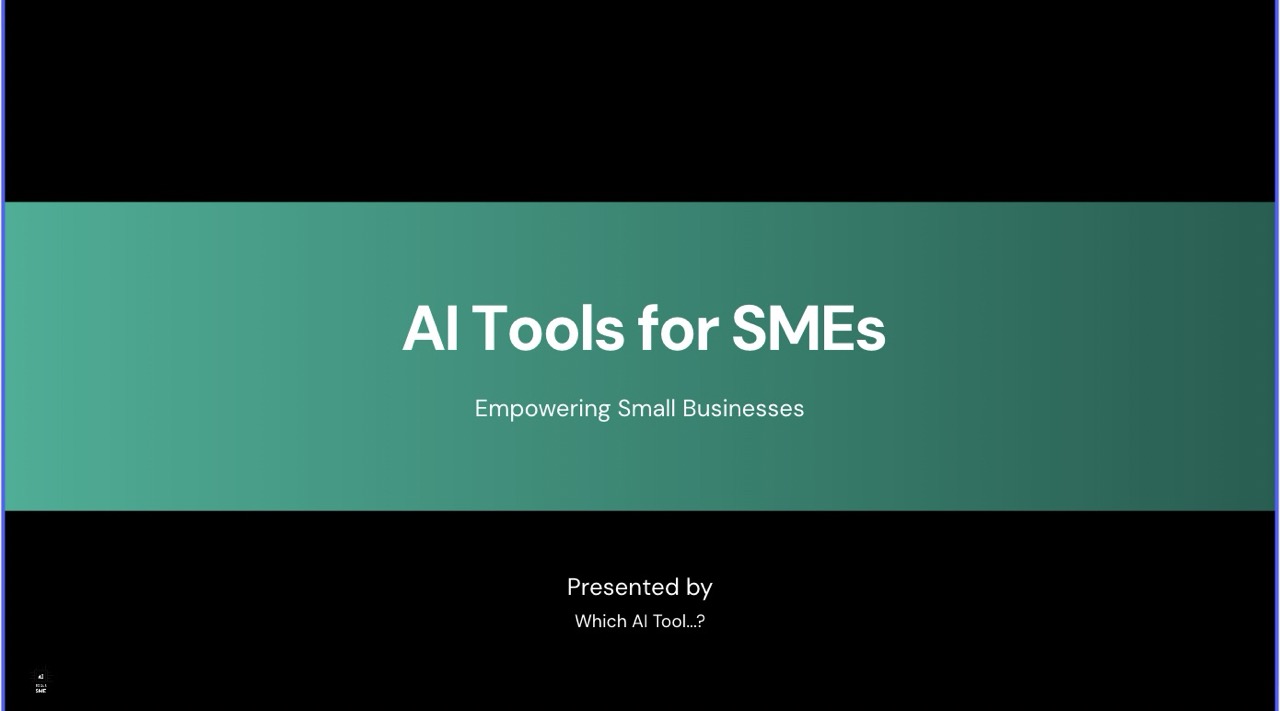

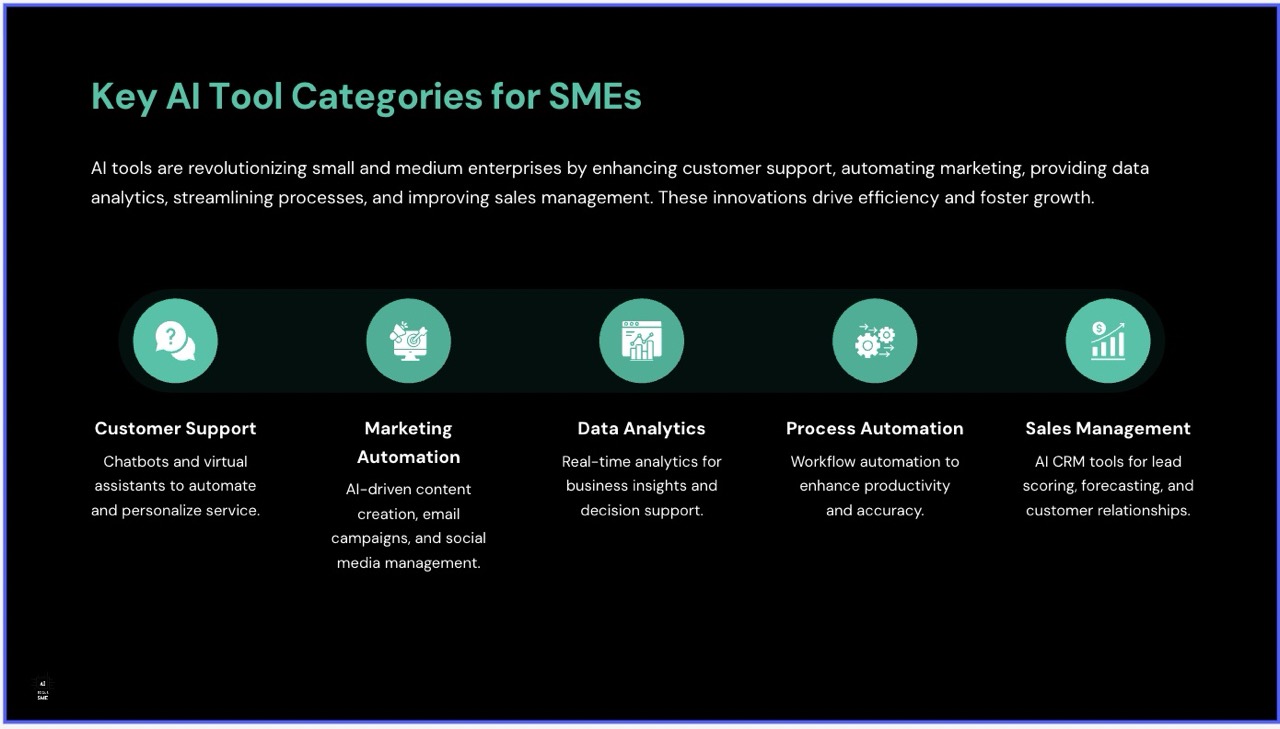

When I tested Decktopus, I wasn't particularly impressed right away. The design capabilities seemed rather basic because the formatting looked a bit dull. But then I was positively surprised by its AI capabilities. Let's discuss the created presentation first:
Text generation is solid but basic, and the images match well with the topic. All content is relevant and fits perfectly with the AI Tools SME theme from the prompt - it even suggested a few tools. This alone would put it into the middle range for me, next to tools like Sketchbubble or Slidespeak. However, when I tested their AI features, they went beyond the tools I mentioned and put Decktopus into a different category for me: the top tier of AI presentation tools. Not quite as premium as Gamma, but really good!
AI Capabilities:
Decktopus has an AI image generator that works quite well—it followed my prompt nicely when I asked it to put a cyborg among a small office team. The "Translate My Deck" is a feature many competitors advertise but don't deliver on (looking at you, Prezi). Decktopus does it literally with one click. The formatting needed a bit of adjusting, but this still saves so much time!
The Q&A generator also did a good job, creating only highly relevant questions. I just wish I could implement them within the deck with a click.
Standout feature: For me, it's really the AI under its hood, which delivers what it promises despite looking a bit unremarkable at first. Even the smart presentation tips were on-point and relevant.
Decktopus is not quite challenging Gamma, but definitely Pitch, Prezi and Chatslide. Therefore I put it ahead of them.
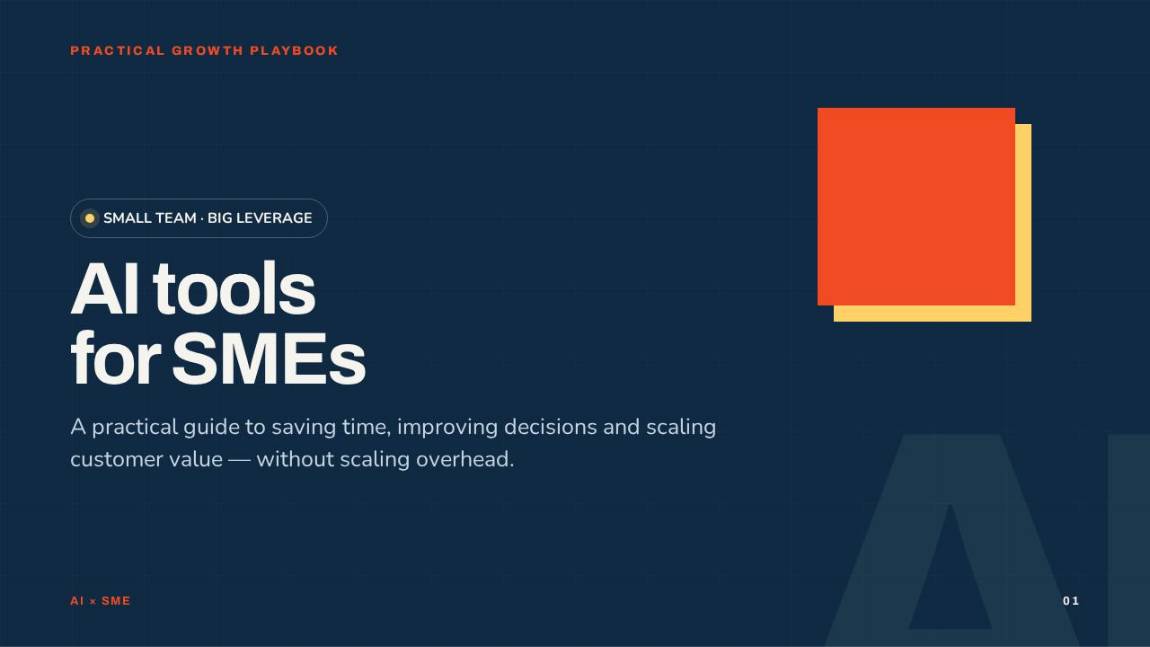

I first tested Julius at the beginning of the AI wave in 2023, when I reviewed it for the Data Analytics category. A lot has changed since then. Julius has grown into a versatile AI agent that can analyze data, build websites, create videos and images, generate Excel sheets and presentations.
For my test, I used the same prompt I always use for presentation AI tools: "Create a presentation on the topic 'AI tools for SMEs' and make it 6 slides long."
Julius cooks up a solid, no-fluff presentation using its own model, Julius 1.2 Max.
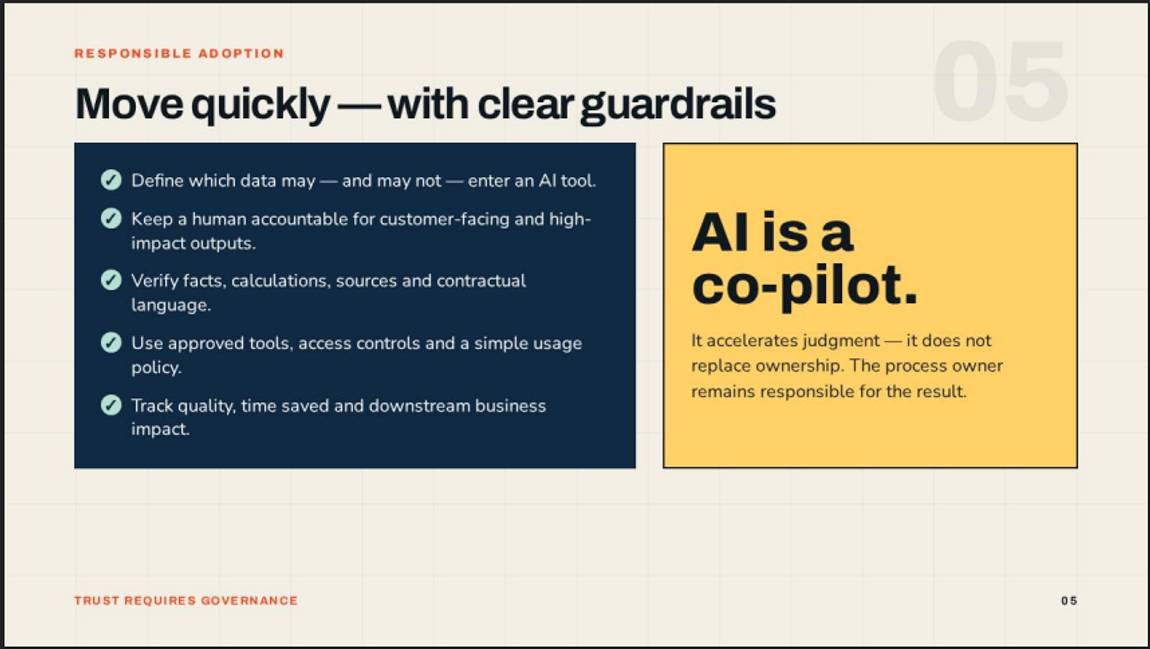
What I really like is the depth of the content. The guardrails slide, for example, goes beyond generic advice and includes genuinely relevant information, while the 90-day roadmap lays out practical implementation steps.
The design reminds me a little of Claude Designs. It's fine, but it doesn't impress me and you can only make changes through the agent window by prompting. I'd love to make smaller tweaks directly in the presentation, but everything is pretty much baked in. Another small annoyance is that I can't just simply download the presentation, the export button actually creates a prompt which leads to rendering the pages.
Overall, though, Julius is a very capable tool, especially for generating thoughtful, in-depth content. The daily sign-in bonus of 100 credits is also a nice touch, and the sheer range of things Julius can do is impressive. I'd actually describe it as an AI agent that happens to create presentations too, rather than a presentation tool per se.

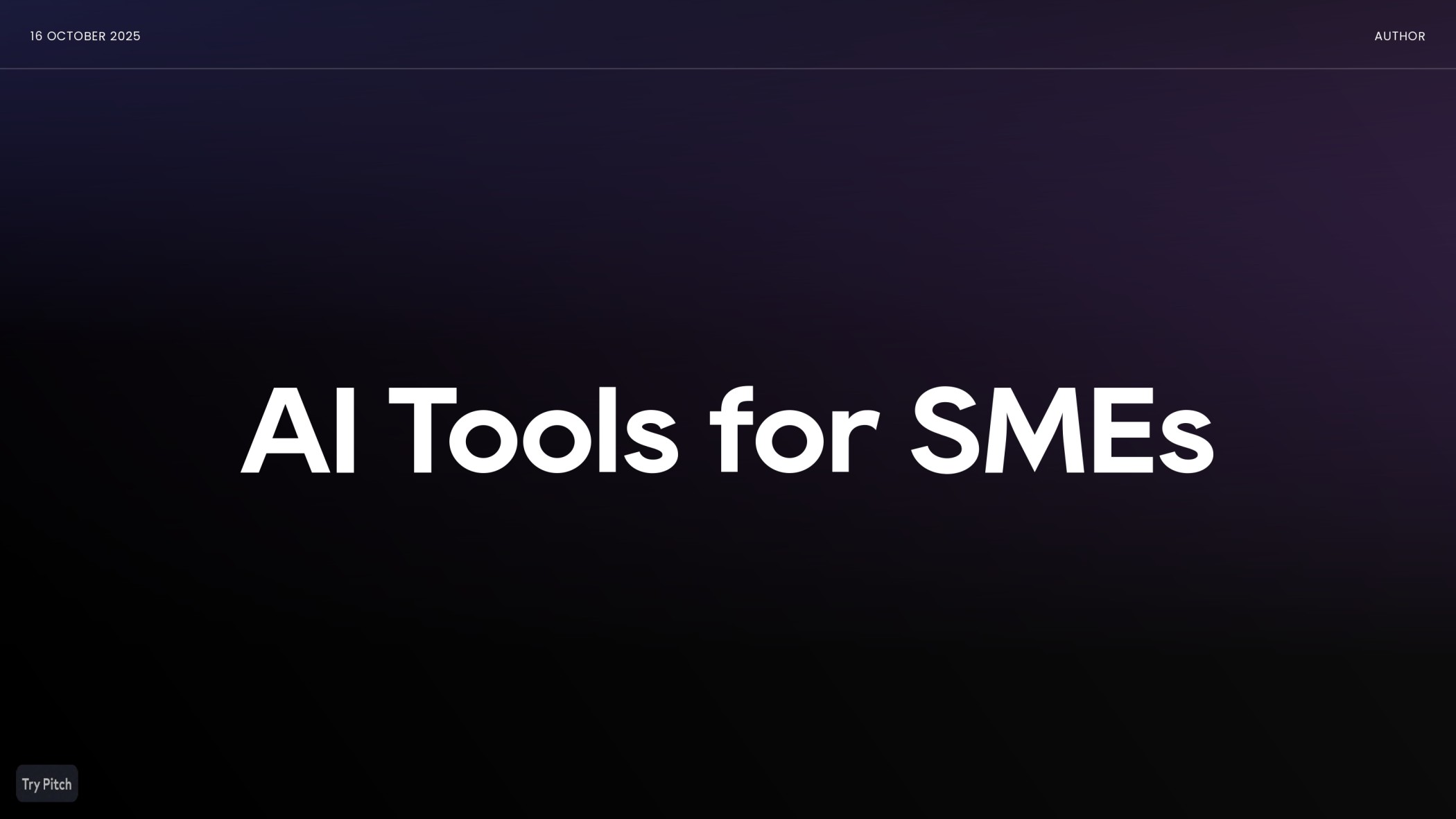


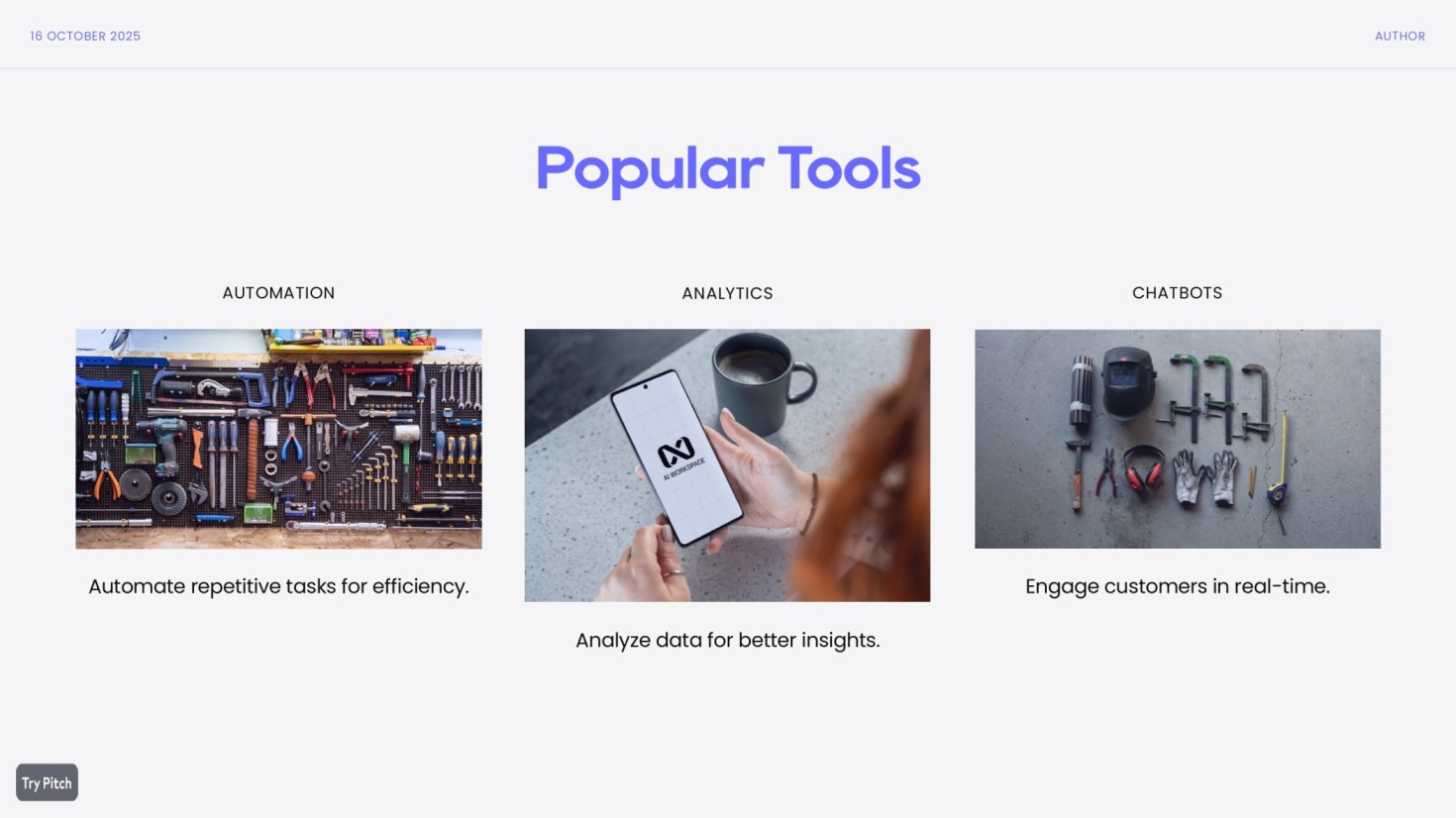
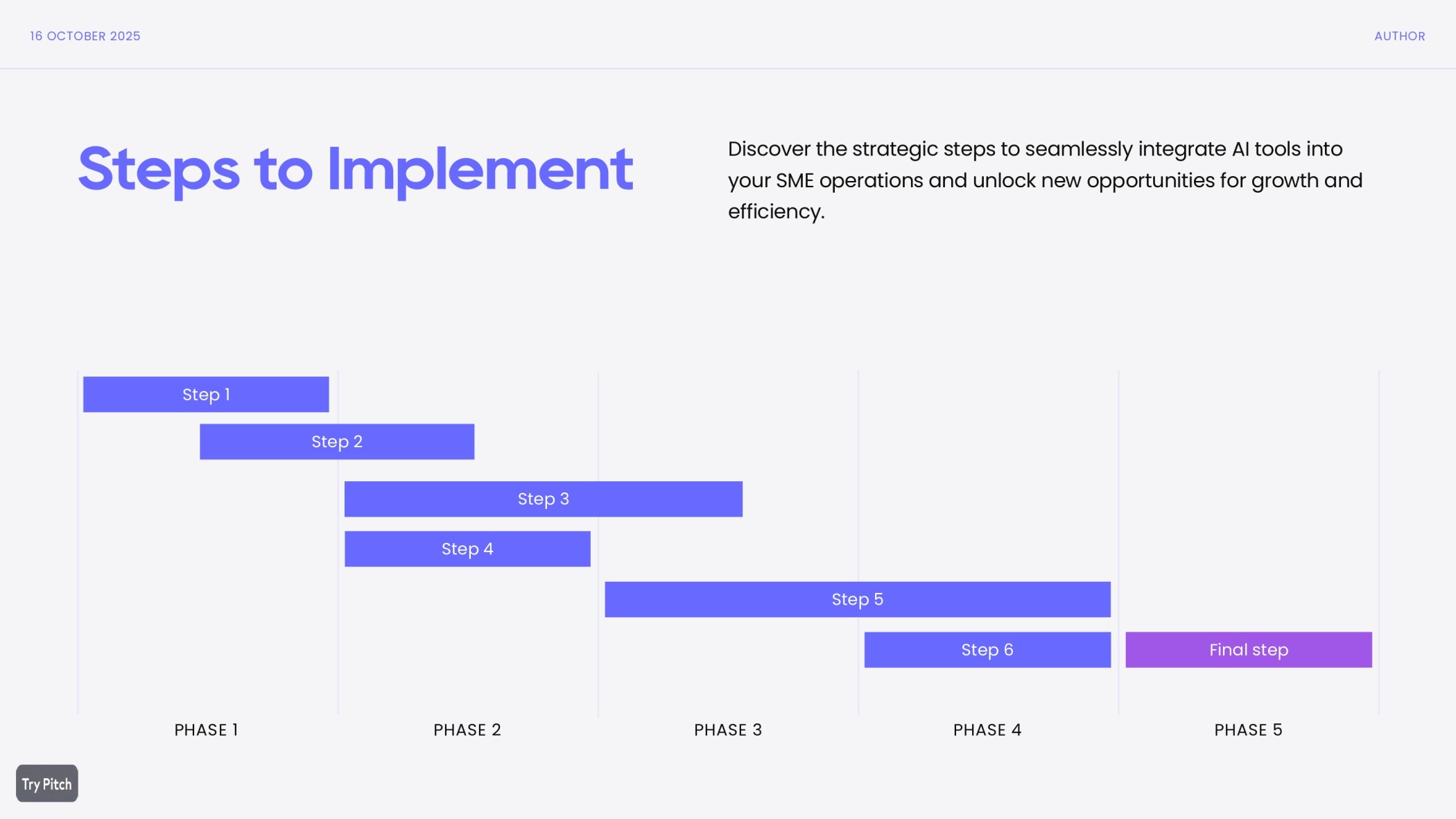
Pitch looks really great, I can tell that designers have created it. The dashboard is clean and easy to get around or started. I also like their onboarding guide, although I think they explain too obvious things, like how to change the colour of a font, which is very obvious.
I like their more playful features, for example that I can add Gifs easily, but I would prefer to generate images straight in the tool.
Overall I'm missing the AI in pitch and I would say it's the tool for people who still like to format and design their own styles. Or for agencies who know they prefer to control the content creation but would like to batch create many slides with individual customisation.
Best feature: Team collaboration in real time.
AI capabilities: Very basic text generation capabilities, AI image generation is built in
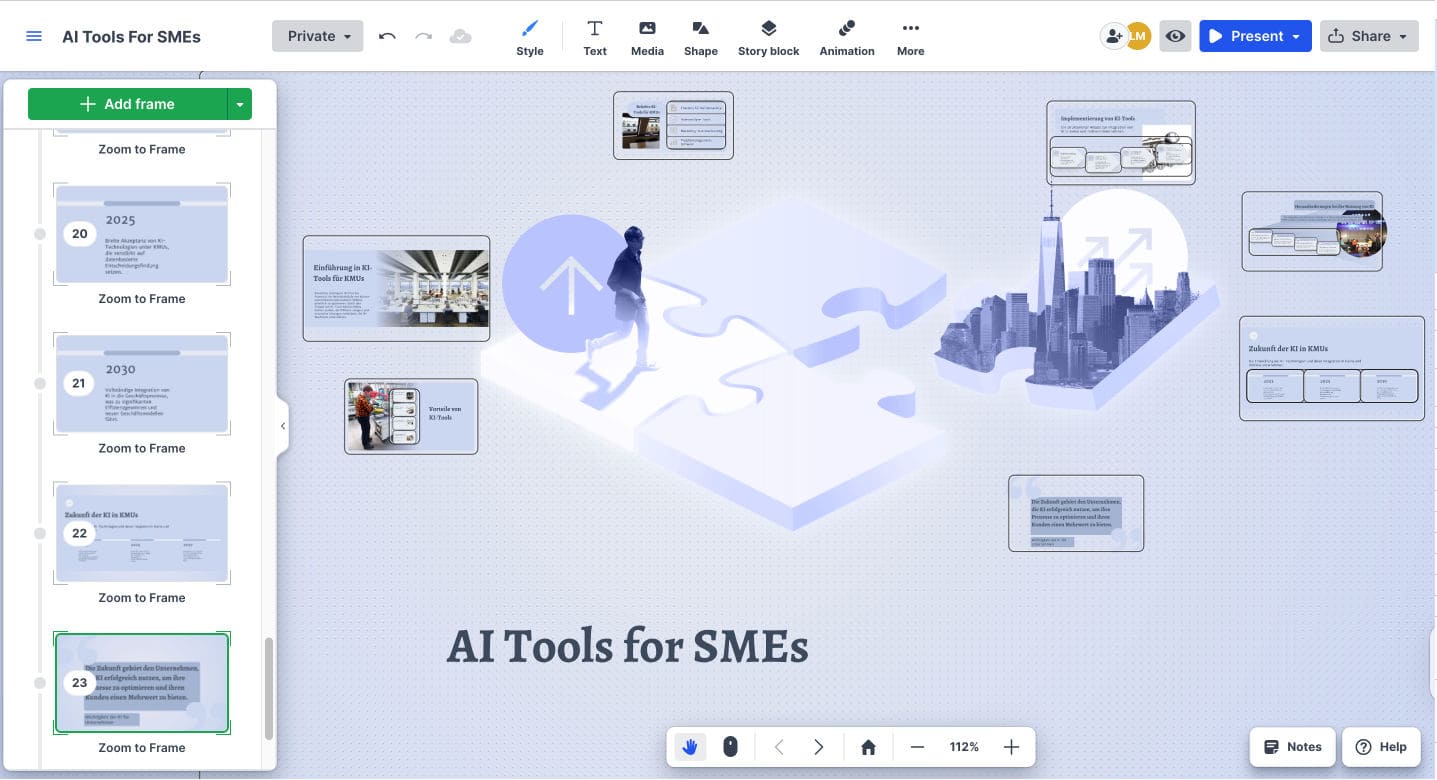
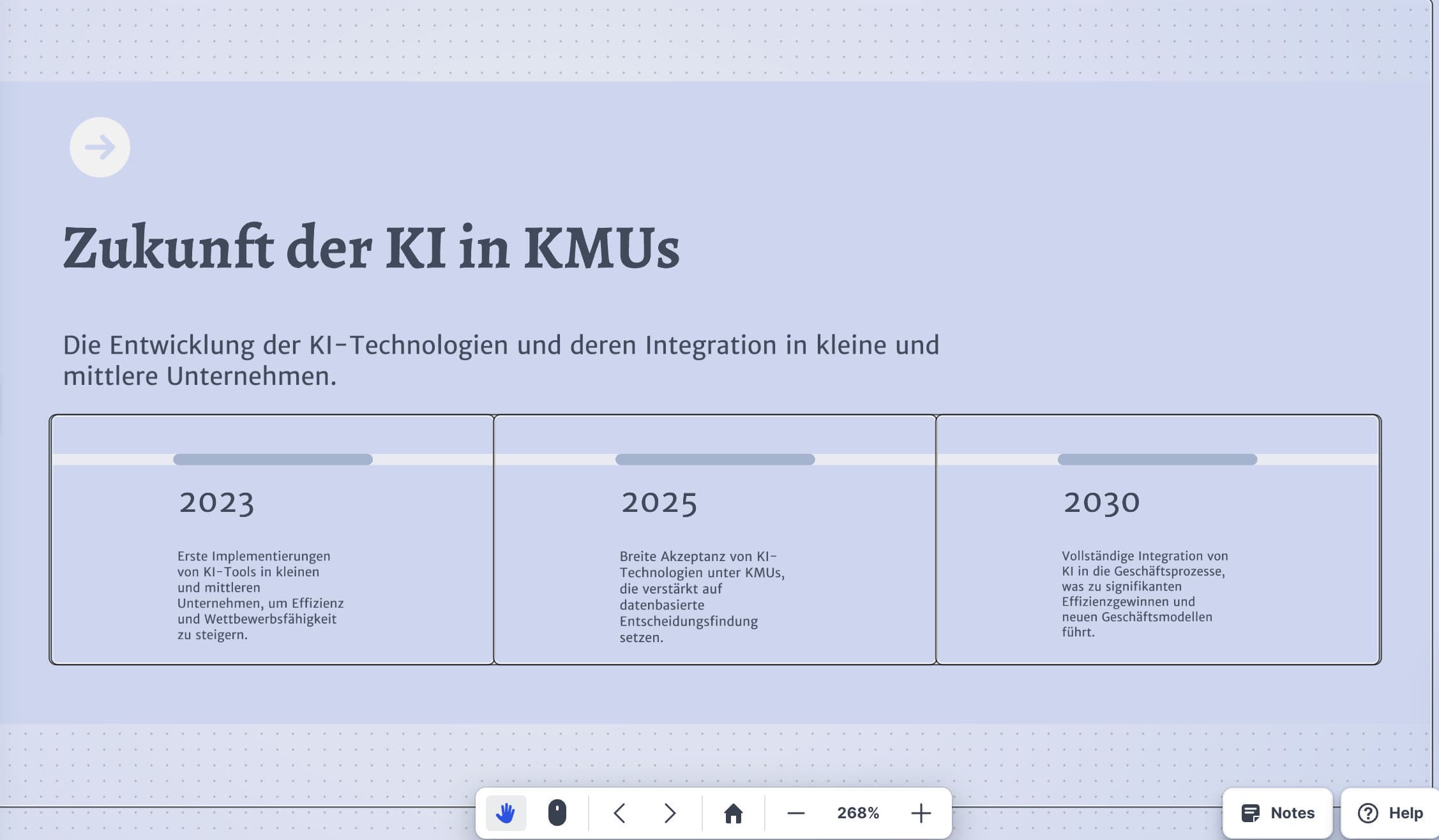
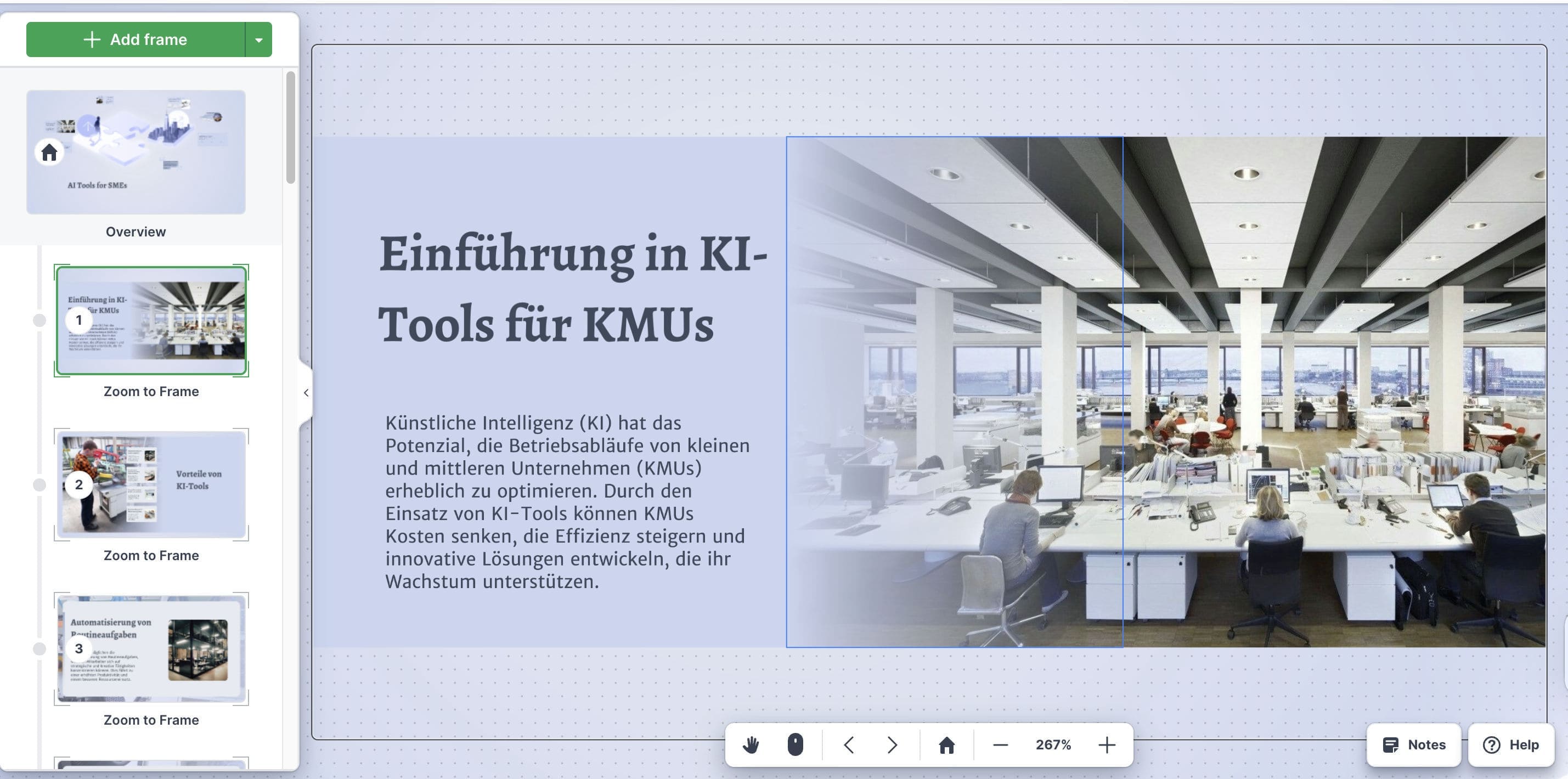
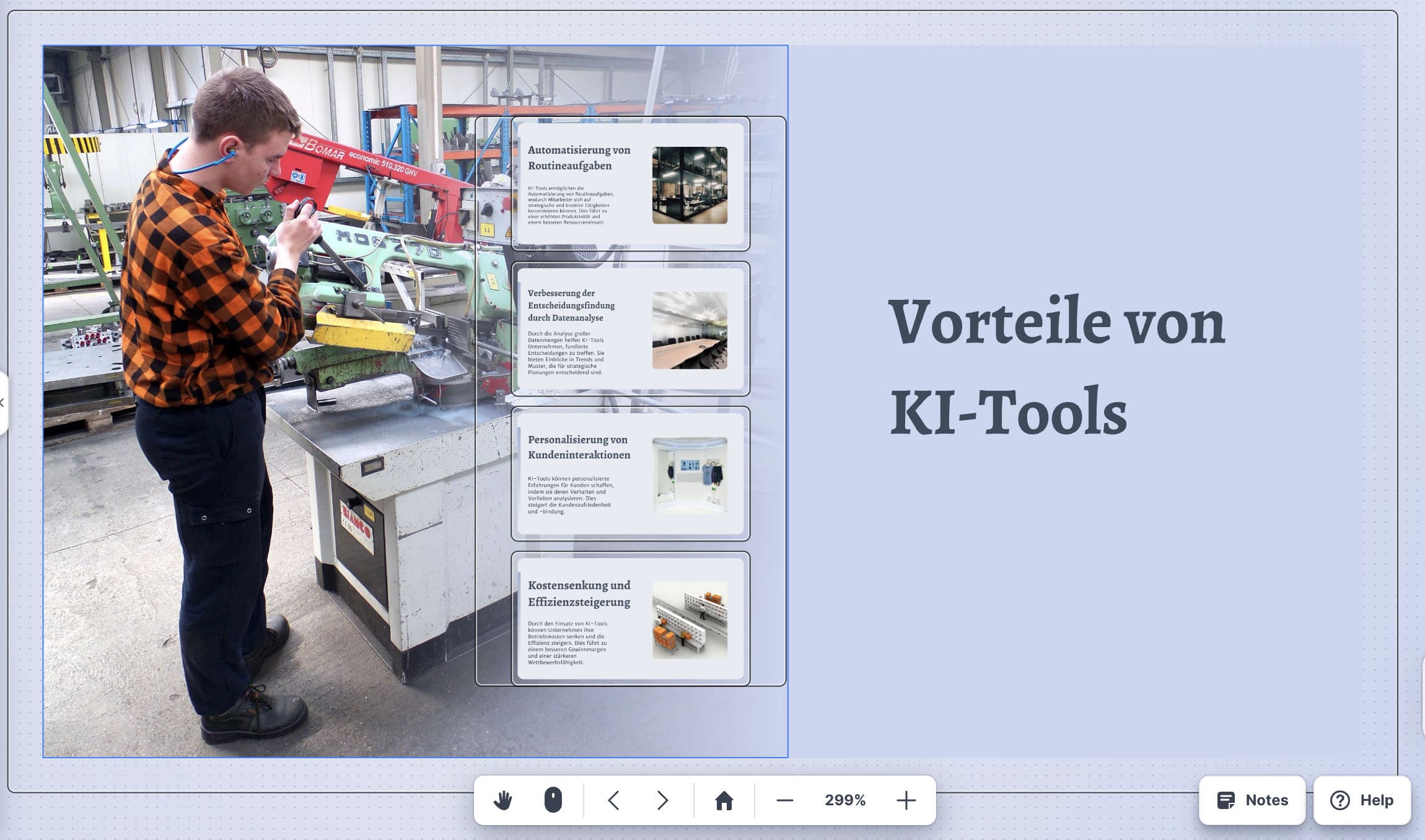

Prezi has a completely different approach to creating presenations with AI. I like to call it the Miro board for slides,
because each slide is a mosaic of the full picture. You can zoom in and out as you like, it makes the presentation feel much more interactive and engaging. Pretty cool!
Lately I've also been using Prezi for recording my online courses because it allows me to read off the screen and be surrounded of the presentation at the same time. It's super easy to record myself this way and I don't have to set up a teleprompter anymore. Check out the picture I've added on the left side. Prezi is best for advanced presenters in my opinion. Nice update: Live polls, quizzes, word clouds and Q&A now built into the presentation itself, no separate tool needed anymore.
Best feature: The dynamic slide structure (mosaic feature)
AI capabilities: Full side deck based on a prompt, with solid text generation but especially good design.

To test Slidebeans AI-driven pitch deck builder, I had to input my website's URL and the output was spot on. The pitch deck started off with a problem/solution intro, here the content was added by Slidebean. The next slides were templates for business model, roadmap, traction (diagram), team and total addressable market, for which the content has to be added by the business owner.
I shall forgive that the copy at times went out of the frame, Slidebean was just so ambitiously researching facts for my business, it went a bit overboard. The deck is neat and provides a great structure for funding requests. It's pretty clear that this is only the lead generator for Slidebean, who also offer an Investor Finder, 1:1 sessions and start up equity modulator. I've been receiving Slidebeans newsletter for a while now and really appreciate their AI news.
Interesting to see that they also let you review famous company's pitch decks, like for example from Uber and Air BnB.
Best feature: Offer financial modelling services alongside their pitch deck creator.
AI capabilities: The 'pitch deck with AI' feature scans your website and creates a good structure for a pitch deck tailored to your company. It fills some of the contents and provides templates for data only the business owner would knows like projected earnings etc.
Images could be matched better. For example for my deck it added mostly interior designs.
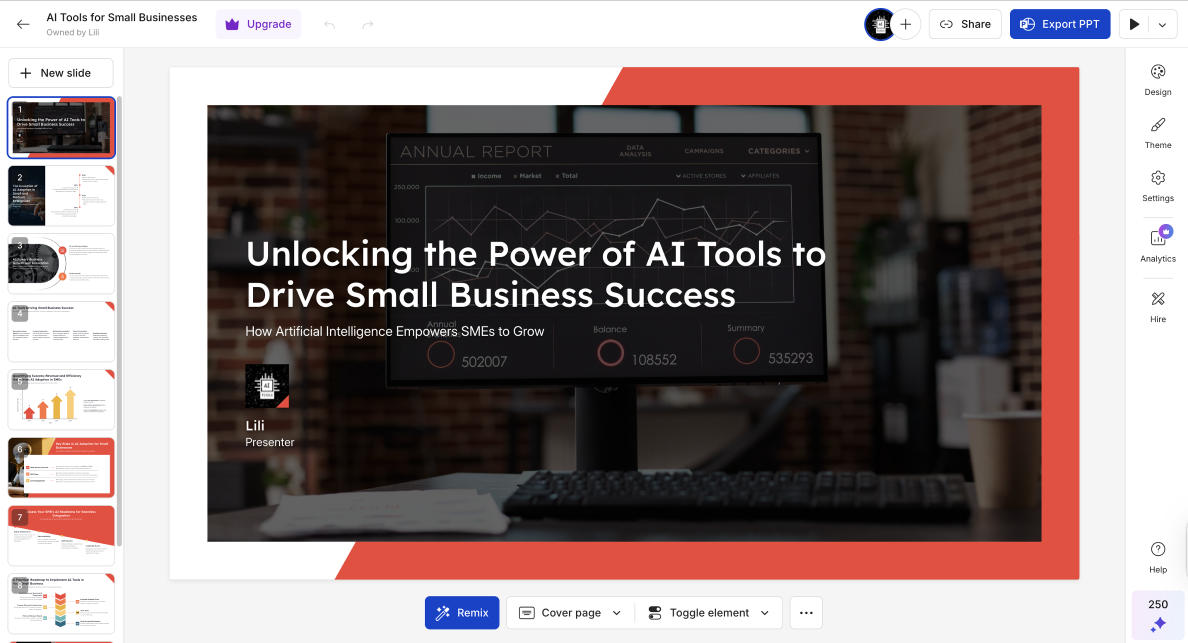
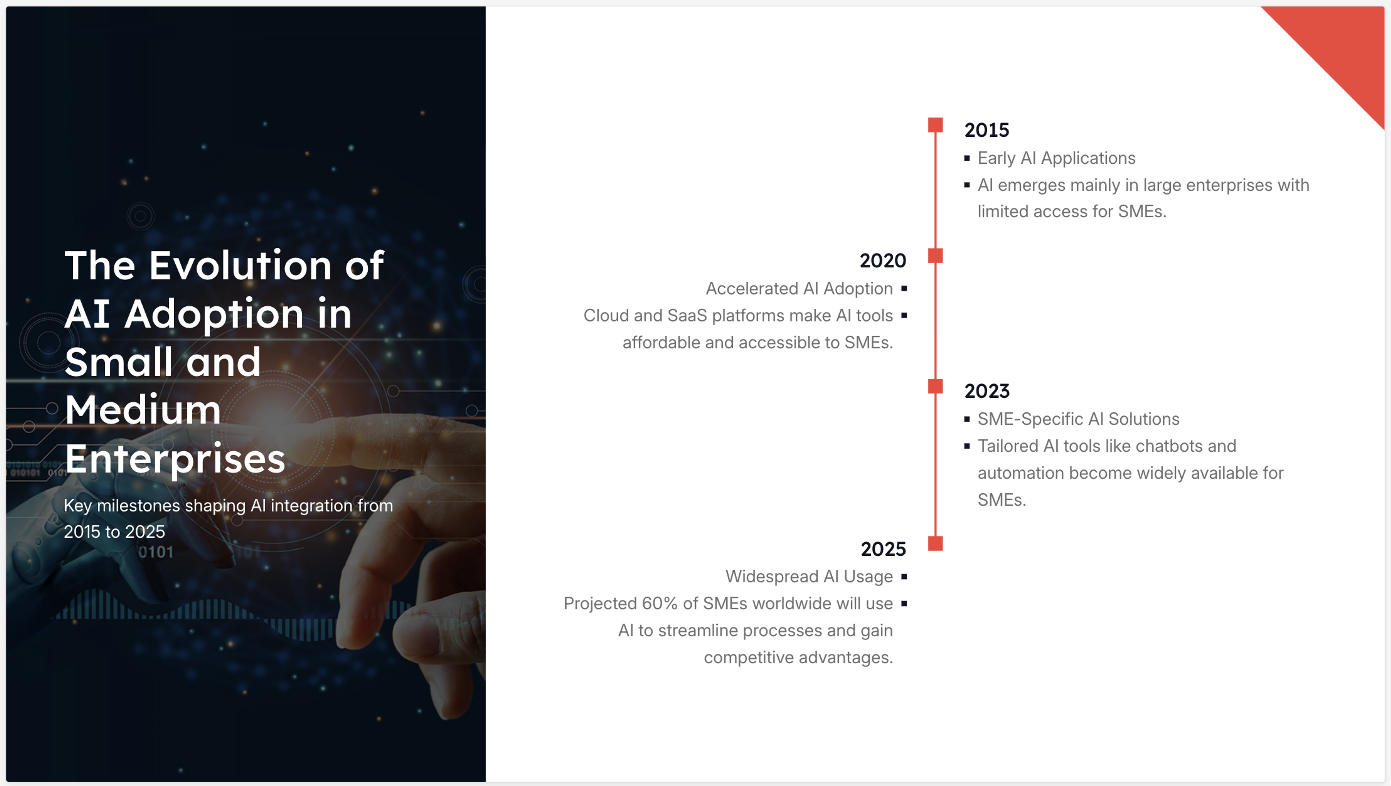
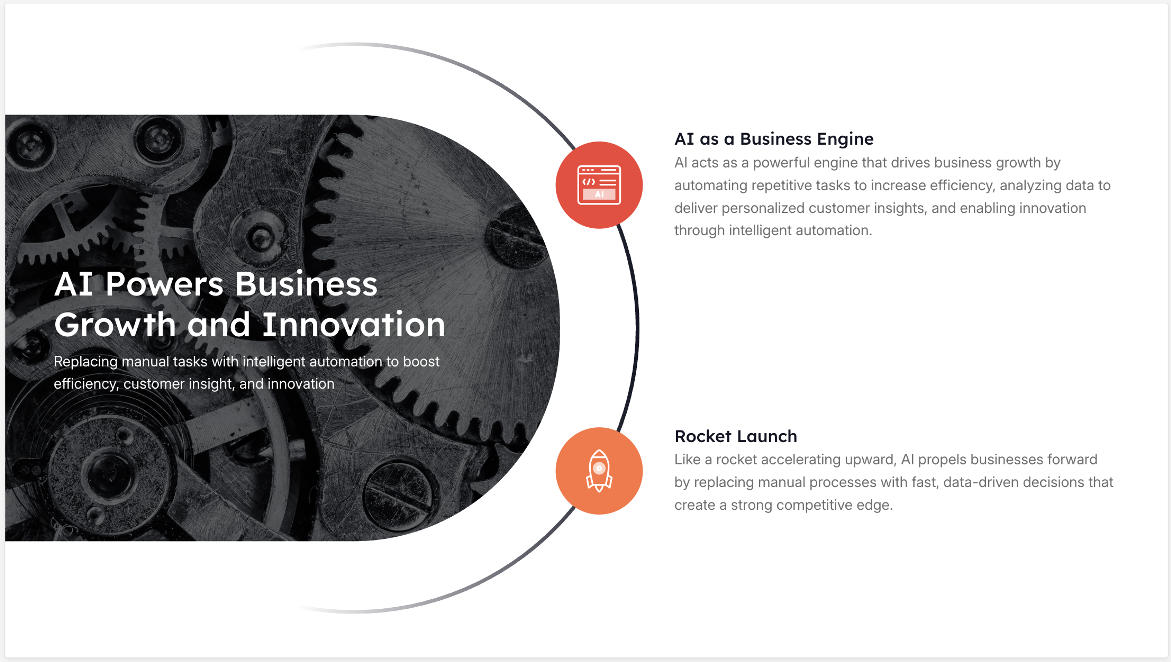

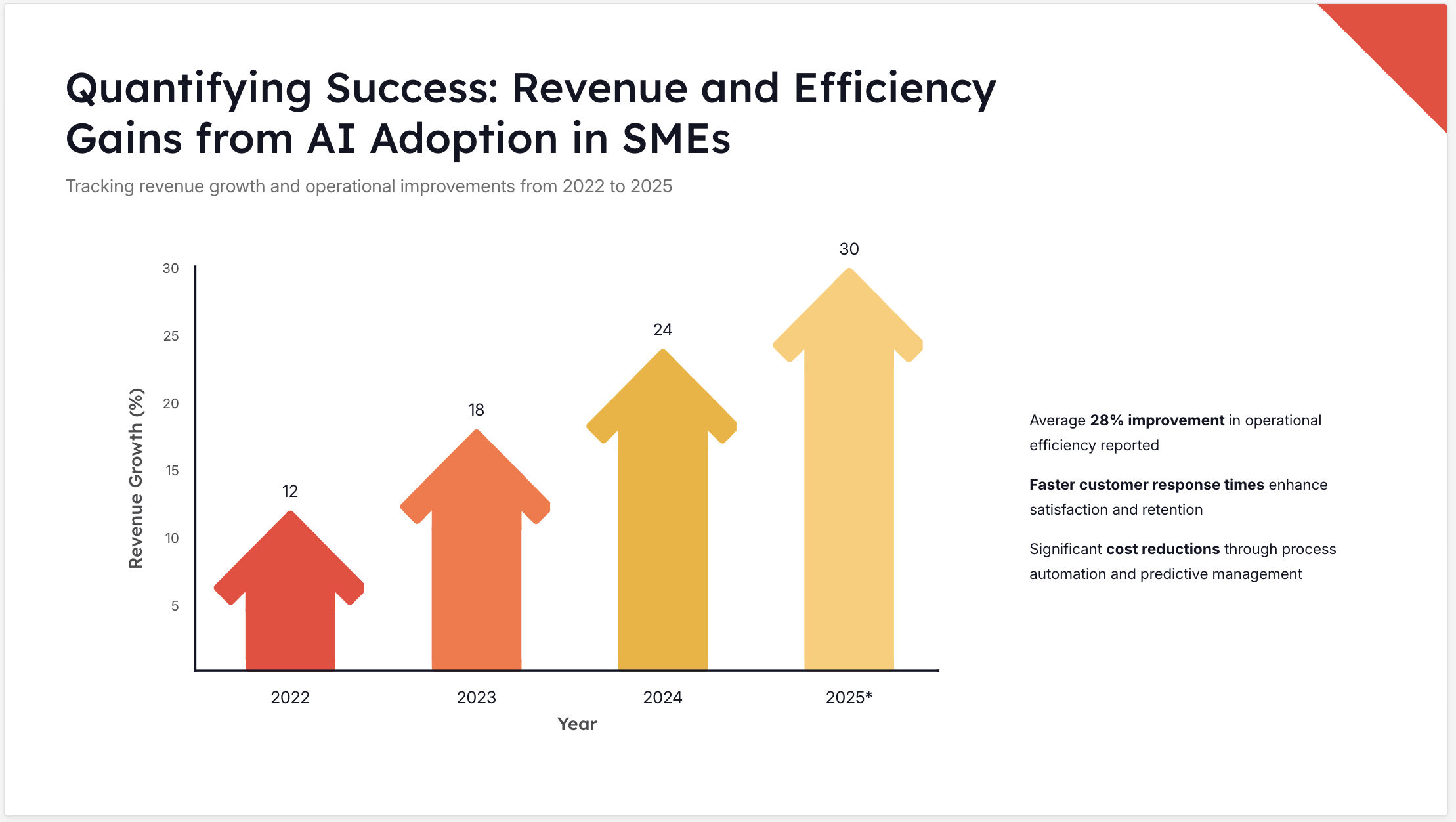
Still Underwhelming. I've just re-tested Presentations AI and my impression is still the same as it was a couple of months back. The AI text generation capabilities are decent, but the design really lags. The slides look extremely basic, especially compared to Gamma or Prezi. You can only choose between 13 templates and the AI-generated slides look dull, often without graphics or images.
When the tool creates your deck, it asks about how many slides you want, but it's weird to me that the minimum is 10 slides. I think less is more at times.
I do like that it asks about the tone of voice it should use, though.
Best feature: Not really a feature, but that it's free.
AI capabilities: Can create a presentation based on a prompt with basic content.
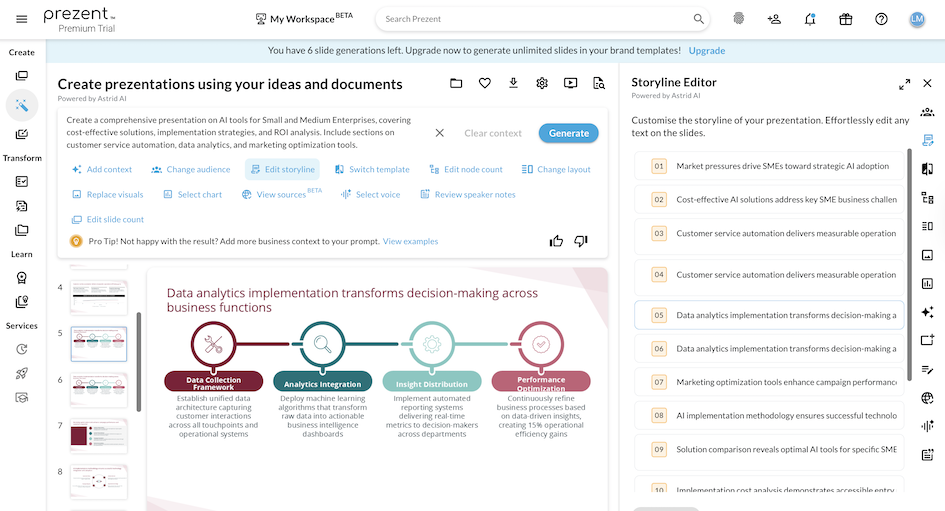
Oh wow, I think I found a dime! Prezent is finally stepping up the presentation AI game. Although it doesn't cater to our audience of SMEs (Prezent is clearly targeting enterprises) I really wanted to include them in this list here. This what puts them apart: they think of presentations from the perspective of the viewer, not only the presenter. Their fingerprint feature leads all employees through a short quiz about their visual preferences during onboarding. Now presenters can choose the intended audiences who will get their slides delivered just in the way they like. This is a mind-blowing innovation to me. The other thing I really like about Prezent is their Storyline feature, which let's you choose from different proven storylines for presentations and also gives you a view to see the full presentation's main points.
Best feature: Fingerprint (see design) and Storyline feature. Storyline let's presenters choose between different proven story structures.
AI capabilities: Prompt to presentation is quite elaborate.
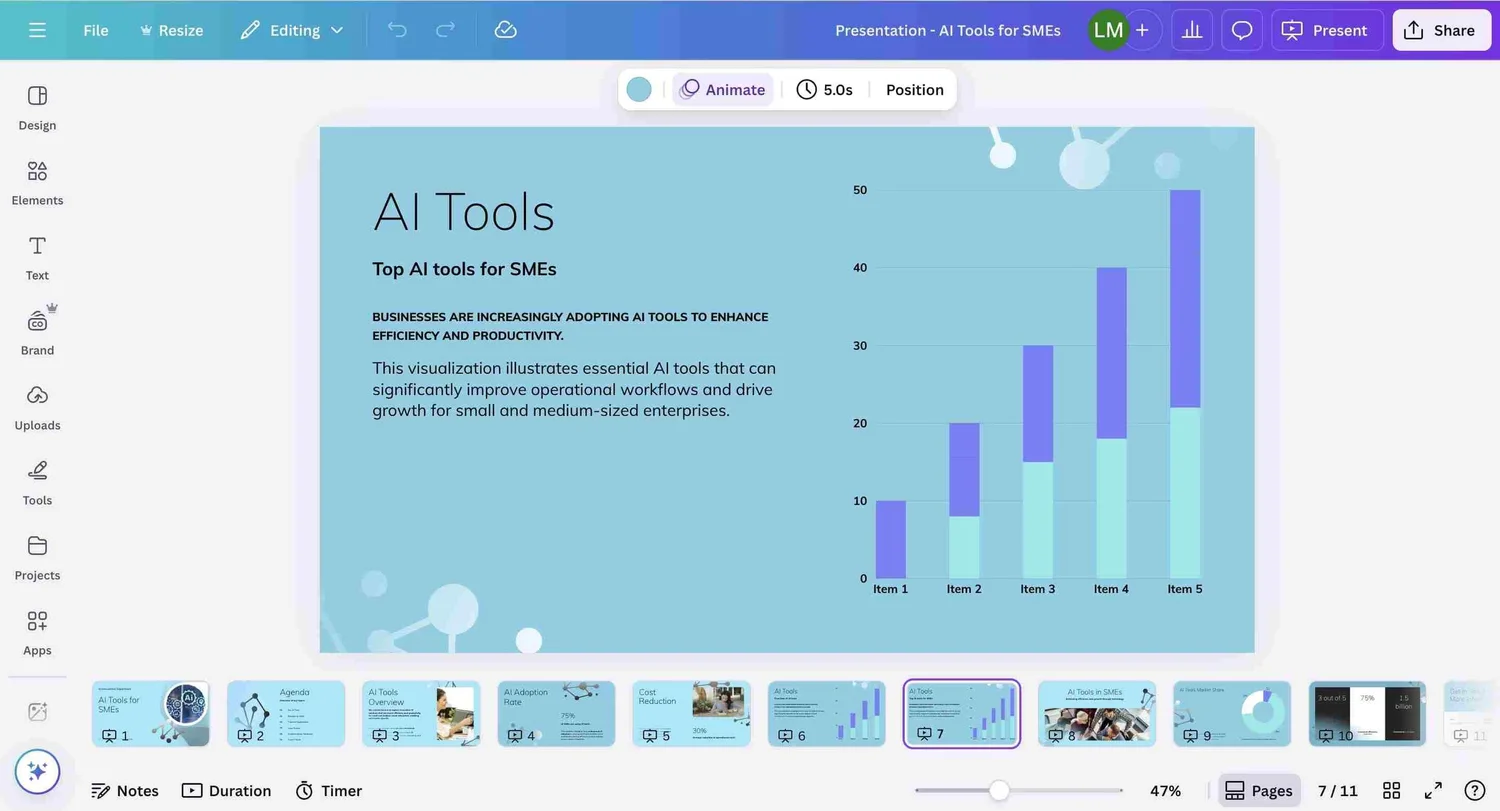
I'm surprised by how weak canvas AI presentation capabilities are. I tested it with my usual prompt "AI Tools for SMEs" which is admittedly very simple, but that's exactly what I want to see. How much will the tool fill into the big space I give it?
Canva created a very basic deck for me, with basic text but even more basic designs. The text is forgivable, but the design is not for a design tool. If I compare Canva's designs to Gamma or Pitch, it's clearly lagging behind and should have done a much better job. Even though Canva has an image generator app, it clearly doesn't use it for this feature. It just matched some mediocre stock photography. And the slide design itself is the most disappointing for me, it's just so boring and bleak.
Best feature: Tone of voice feature: Just enter a longer text so that the tool can detect your personal style. You can do that for multiple voices, for example for an agency with different clients.
AI capabilities: Very basic. Creates really simple texts but you can create your own tone of voice so that the tool can hit the mark.
Formats the deck correctly, but the presentation feature doesn't seem to be hooked up to their image generator app (which is rather basic anyways), so it only adds rather immature stock photography.
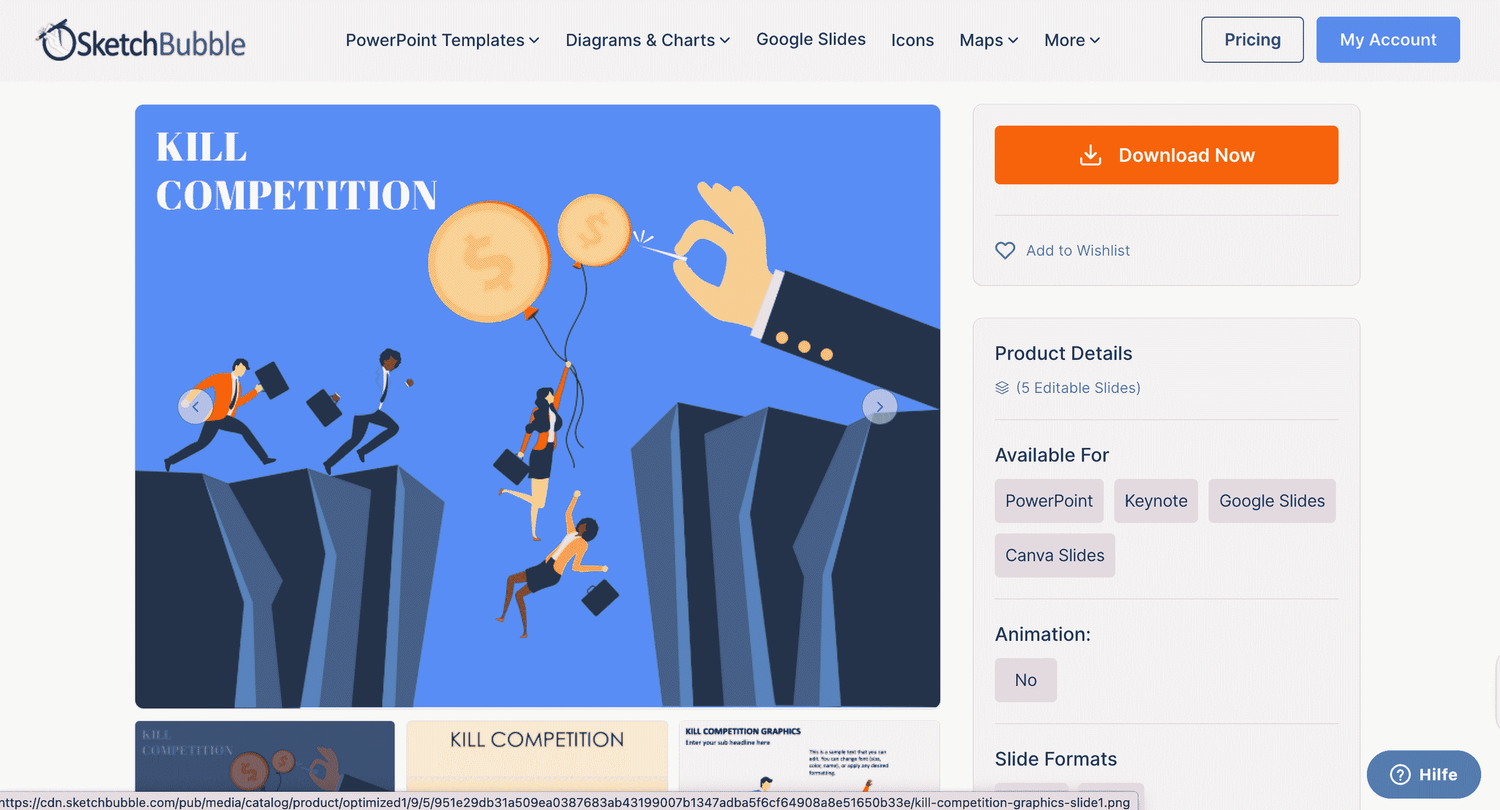
This tool comes along looking a bit old school, at least the website design could use an upgrade.
But then it's a pleasant surprise and generates great slides with highly relevant content. I mostly focused on the free AI presentation maker for my review and only had a quick look at their 200K slide templates (well, only at a fraction of them).
I like this tool and will keep a close eye on them and their generous offer of 500 AI credits has easily got me thinking that Sketchbubble and I will have a long-term relationship ;)
Best feature: A wide range of map designs.
AI capabilities: Basic text generation, no integrated image generator.
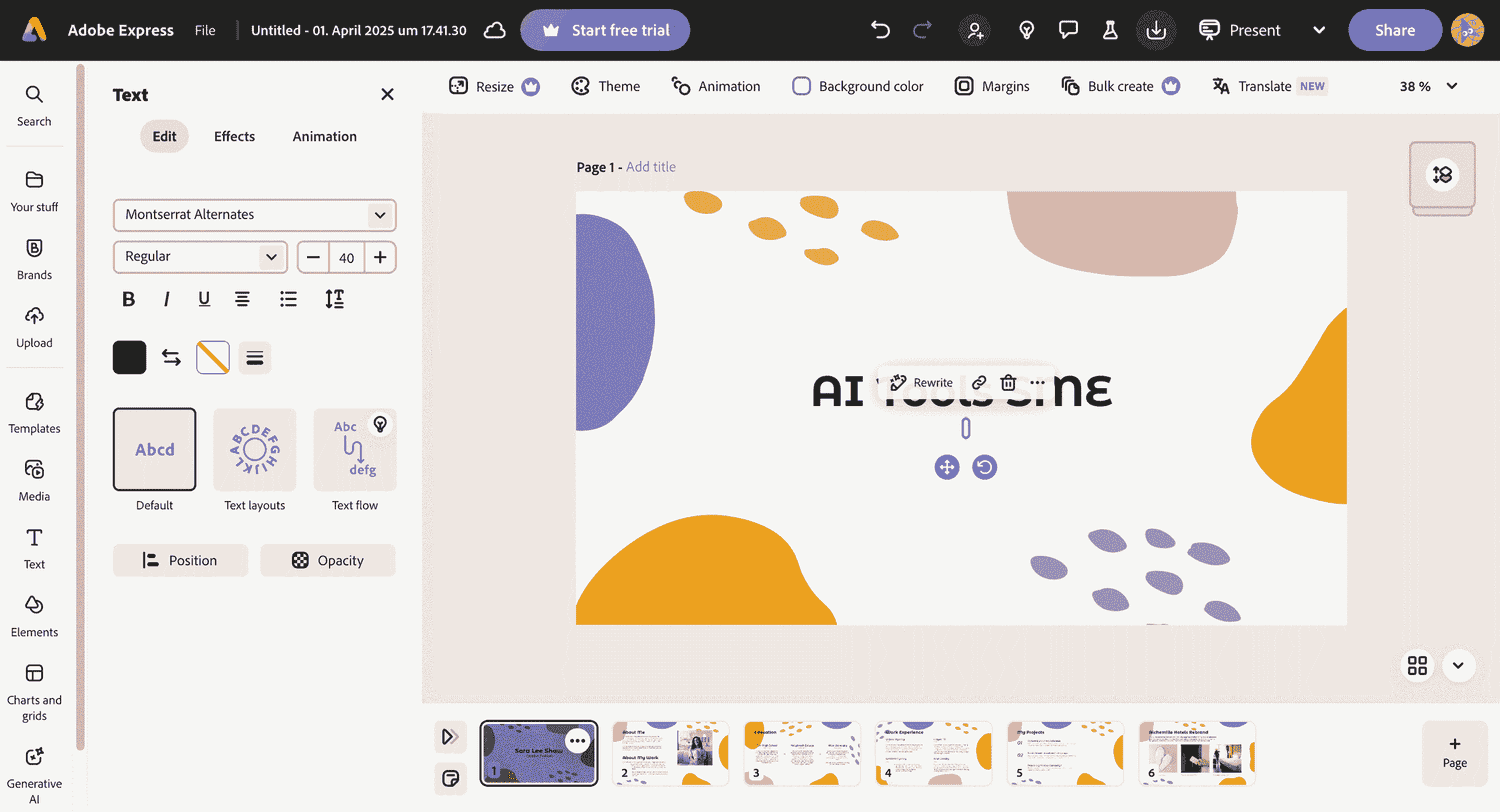
Adobe Express is an easy to use, which was clearly inspired by Canva's interface. It's solid in its performance and if you are generally used to working with Adobe, I would stick with it. If you are more of a Canva type, stick with that. Important to note that it has very limited AI capabilities for content creation, so for me this is more of a design/banner tool than a presentation AI.

Alai is the typical tool that looks shiny and good from the outside and even the dashboard looks convincing with its agent and chat terminal. But then the results are so disappointing and the AI is so sloppy, it's a bit sad.
Just take a look at the template (vibe) I chose for my presentation and what actually came out of it.
I've tried to change the year specification via the agent (actually I had never said to add a year and don't know why it even added 2024-2025, it's really random).
The agent took a few minutes to take out this simple copy. It would have been much quicker to just change it myself.
The only thing I have to give to them is that it's cool that you can generate slides for free, it's just not specified what the limit is. So you're building and making changes but don't know how much of your free credits you've spent or how many are left.
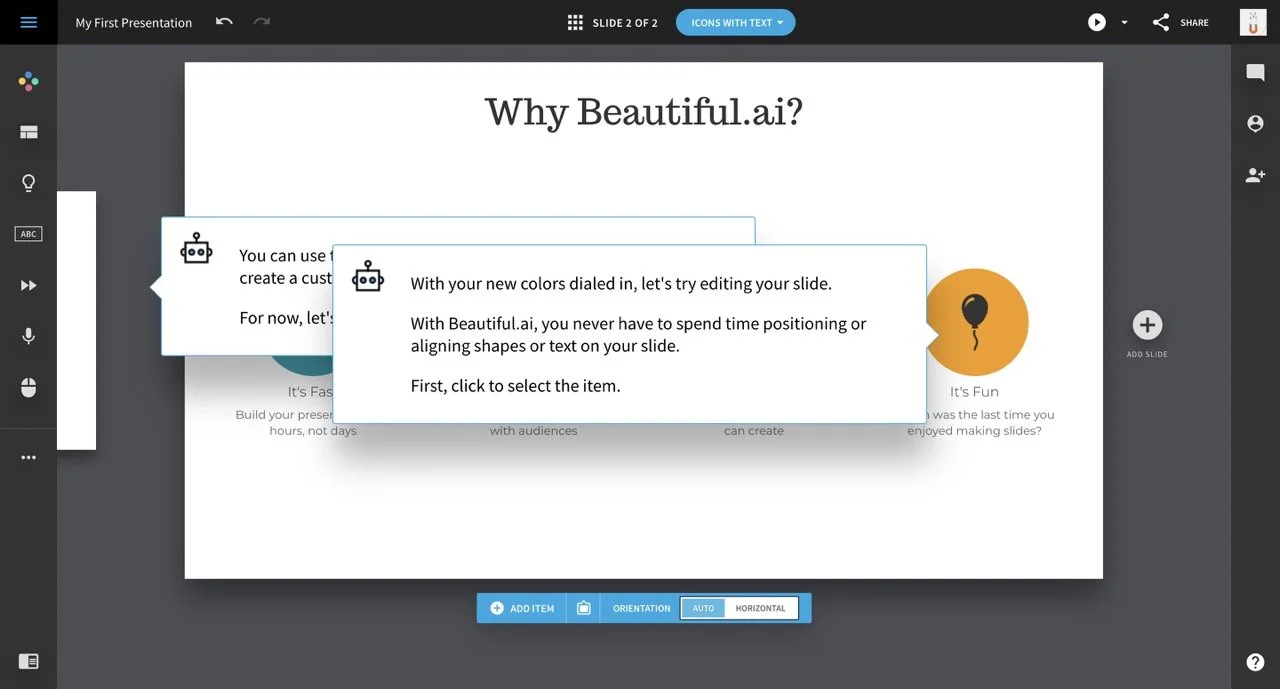
Well, the name is a bit of an exaggeration to be honest. The slides look as if my dad used his old templates (sorry Dad). The onboarding guide got stuck, so what you see on the picture above is good advice, but bad functionality. Also, I was not able to identify the AI feature, except for of course in the name.

Use the Presentation Makers For So Much More Than Just Creating Slides!
Create alsoThe first applies, e.g., to students with a simple assignment: present a broad topic, for which there is typically lots of information online. Here, use AI for an outline and let it generate slides in seconds for you as a base. It could practically put an AI-generated presentation together for you, which is customizable and you just have to check if it makes sense.
For the second use case, a professional setting, let's take the example of having to convince your boss of a bigger brand budget for the next quarter. In this instance, of course, AI wouldn't be able to create the presentation for you yet, because its missing too much context. But, e.g., presentation maker Gamma can still assist you with formatting, a good template, adding relevant pictures and graphs, or translating all slides into another language.
This was our review of best AI to create presentations with. I hope you agree with me that the future looks bright! Many innovative and flashy ideas on how to make the process of putting a good presentation together easier for you. Not everything worked perfectly, but as AI is improving and outgrowing its baby years, so will the companies above.