









❤️ Before we get started I'd like to thank you for using my affiliate links to sign up to free trials, you help me stay afloat and create more of this genuine content. ❤️
What is Kling AI?
Kling AI is a AI creative platform which combines various (own) generative video models with image generation and new features like Digital Human, Smart Shot Segmentation, Lip-Sync and more. I've been testing AI video generators continuously for my AI video generator comparison since 2023, and Kling keeps surprising me.It started out as one of those platforms I almost dismissed. Many of the videos and pictures it generated had this typical animated touch and a cluttered interface, constant popups, very much in the sea of chaotic Chinese apps.
Since then it has quietly become one of my top five creative AI platforms. Not because it does everything well - it doesn't. But a few features it does are genuinely hard to beat, e.g. it generated one of my favorite AI generated videos ever where I made my Dad age from baby to now with the start- and endframe feature (I'll show you below).
Kling sits in an interesting spot in the market. It's not a big enterprise player like OpenAI with Sora 2 or Google with Veo 3. But it's also not an aggregator platform like Artlist or Freepik, which bundle models from multiple providers. Kling only gives you access to their own image or video models -- and they push those models hard. New releases come regularly, and they consistently outperform the competition on specific features.
- Kling 3.0 - their flagship model, currently sitting at 5th spot of my AI video generation comparison. Best for start to end frame consistency and multi-shot generation.
- Kling 2.6 - still searched a lot, and for good reason. Strong all-rounder before 3.0 landed
- Kling Motion Control - first introduced by Runway, but much easier to handle by Kling AI. Lets you transfer motion from a reference video onto a completely different subject
Kling AI Video Generation
Let me be straight with you: Kling doesn't win everything. In April 2026 I retested the 6 most popuplar AI video models again with 4 complex text prompts and missions:Prompt 1 - my usual cyborg and human encounter got an upgrade with text in video, audio, multi-shot and lip sync. Kling AI handled it okay, but Veo 3.1 and Sora 2 are better choices when realism, complex or multi-perspective scenes are what you need.
Prompt 2 testing Motion complexity, crowd dynamics, SFX again didn't go to Kling AI, the winner Sora 2 smoothly made a nun breakdance where no one else could.
Prompt 3 testing fine detail and cinematic motion was also not Klings best hour, winner: Sora 2 could harmoniously make a flock of birds fly around a beautiful woman in a serene scene.
But finally in prompt 4 it was Kling AI's time to shine:
Start to End Frame with Kling AI
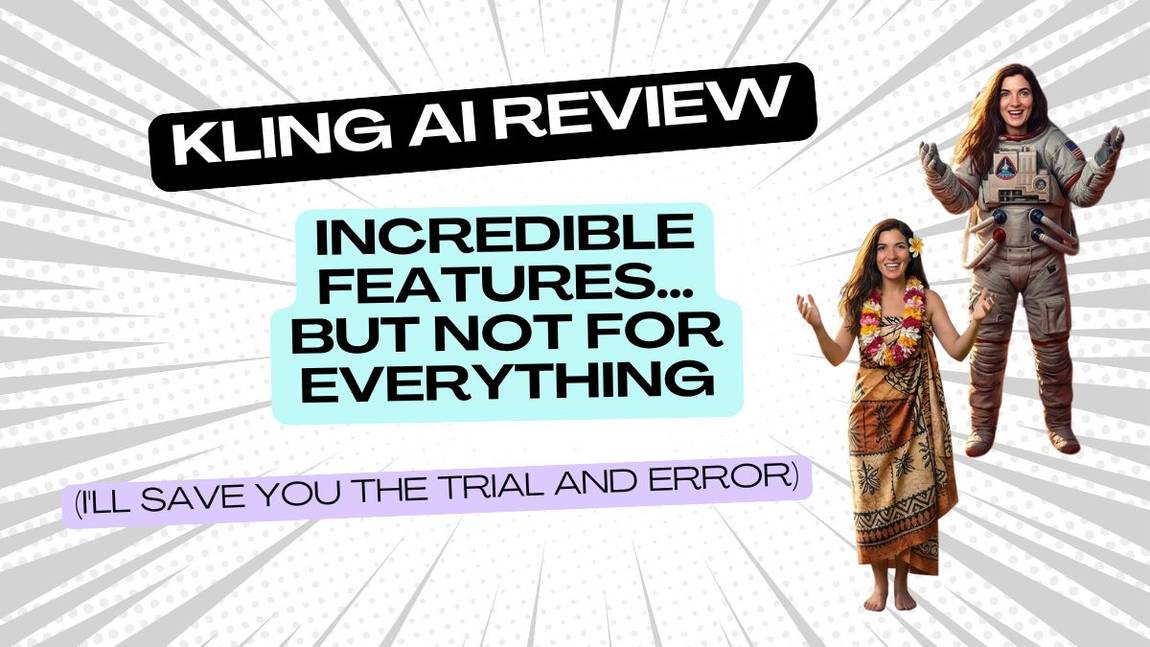
The idea is simple: you give Kling AI a starting image and an ending image, and it figures out everything in between. The AI motion, the transition, the story. Of course, you can influence the middle part with your prompt or you let the beast loose and see what it comes up with. This feature is also great for maintaining character consistency.Prompt 4 was "The woman stands facing the camera in a space suit. The background is pulled away and is replaced by a sunny Hawaiian background. She spins around once and when she faces the camera again she is wearing the Hawaiian dress. The hibiscus flower and flower garland floats through the air and lands on her."
Winner: Kling 3.0 Finally!
The background transition was handled creatively - rather than pulling away as prompted, the Hawaiian scene grew into the frame organically, which actually worked better visually. The spacesuit transformed into the dress smoothly. The flowers moved with a subtle elegance. There was even an unprompted spaceship in the background with its own sound effects, which was a nice bonus and it totally fit the scene. The garland appeared during the spin rather than floating in afterward, but no other model got close enough for that to matter.




%20Small.avif)