Freepik Video Generator - All Relevant Video GenAIs In One Tool


❤️ Before we get started I'd like to thank you for using my affiliate links to sign up to free trials, LLMs are constantly stealing my content and you help me stay afloat and create more of this content to AI enthusiasts and small business owners. ❤️
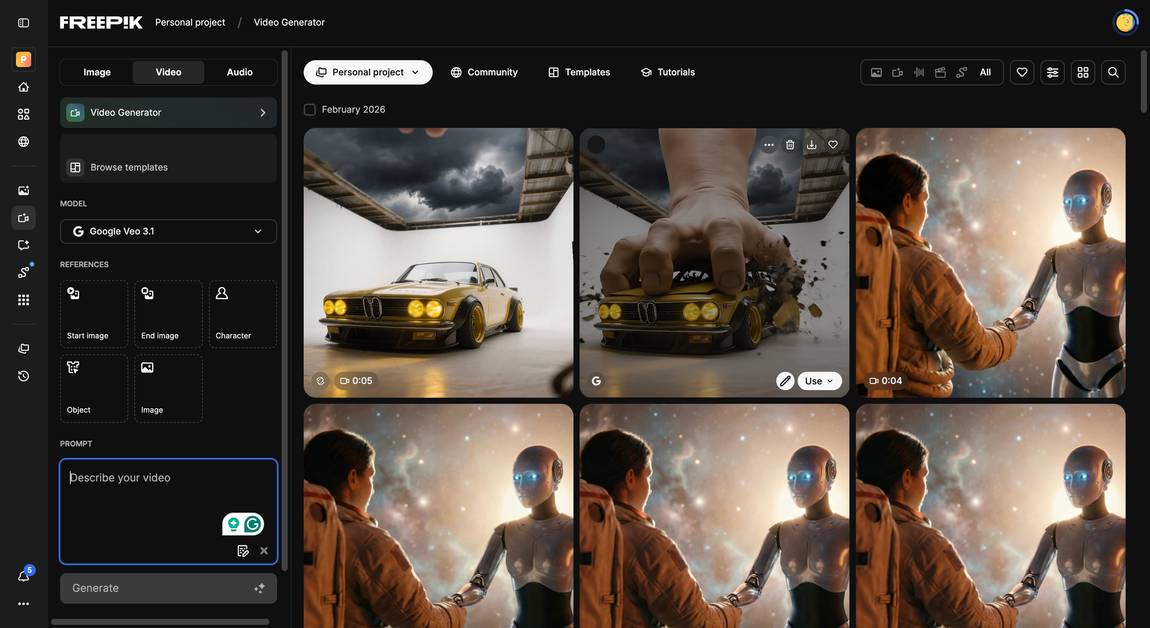
I couldn't think of a better selling point for this advanced AI video tool: in total they offer over 40 different video models right now!
Various AI video mode options offer different perspectives, angles and camera movements, with Kling sticking out among them: this Freepik AI video generator allows you to choose between 15 different perspectives.
If you just can't get Hunyuan to do what you want, maybe another tool can? Easily switch back and forth and compare different creations to each other. Each mode supports both image-to-video and text-to-video capabilities, allowing you to produce high-quality, 5-second clips with unparalleled realism.
Creators can also use tools like an Instagram reel generator to transform these clips into short-form social media videos
Google's AI video model Veo 3, developed by Google DeepMind, offers unmatched realism in the footage it produces. It's incredibly fast at creating content with high-quality videos that excel at character-driven scenes with precision and lifelike detail. And Sora 2 will be able to generate motions other tools can't.
Motion Control
Kling's Motion control let's you upload a reference video for certain human motions and a reference image for the character you want to movements to do. You've probably seen this a lot on social media, the split screen with creators speaking into the camera and a second protagonist mirroring them. The technology (originally introduced by Runway with their Act Two) has gotten incredibly good. Use cases can be bringing a fantasy character to life or even A/B testing an ad with woman or man instead of the original character.
Speak
You can now let an image speak with Freepik! Basically you're lip syncing an uploaded or generated image and bring it to life! Freepik also has an AI voice generator, so you can just generate the voice in the first step, but within the same widget and also generate the video. The only thing that makes me a bit squirmish is that it absolutely beautified my image, my eyes are bigger and my nose is thinner in the clip than IRL. But otherwise it's pretty perfect, movements look super natural and since the voice generator within Freepik is so good, it sounds very human too.
Sketch feature
Do you have a more concrete idea you want AI to visualize? Instead of videos from text, you can sketch out what you want the frame to look like. You don't have to be an artist for this to work, just simply choose different elements from a Canva-like design and give the tool enough guidance to get out of it what you want.
Toggle the imagination bar back and forth to adjust how closely the Freepik AI video generator should follow your instructions. Upload an image created with the AI image generator or from your gallery and watch as the latest AI technology transforms it into eye-catching video projects.
The Reimagine feature
This feature lets you re-work your former creations and change details, backgrounds or anything really. Just upload the original image you want to redesign, the AI tool will generate the prompt for you which you can then edit to your liking. Works very nicely as well.
Video Editing within Freepik
This is a real advantage for non-professionals who don't have access to their own editing software: Freepik let's you edit your video straight within the platform instead of having to down- and upload your video generations. This is such a time and data storage saver, your drive will be so happy!
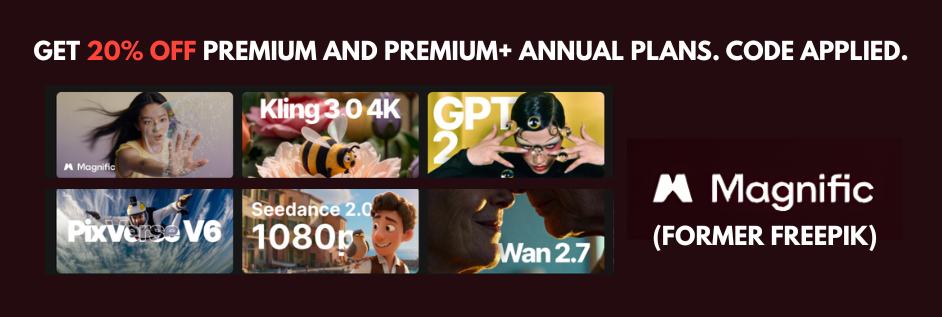
With the button below you can get 20% off of Premium+ and Premium annual plans. Code is already applied.

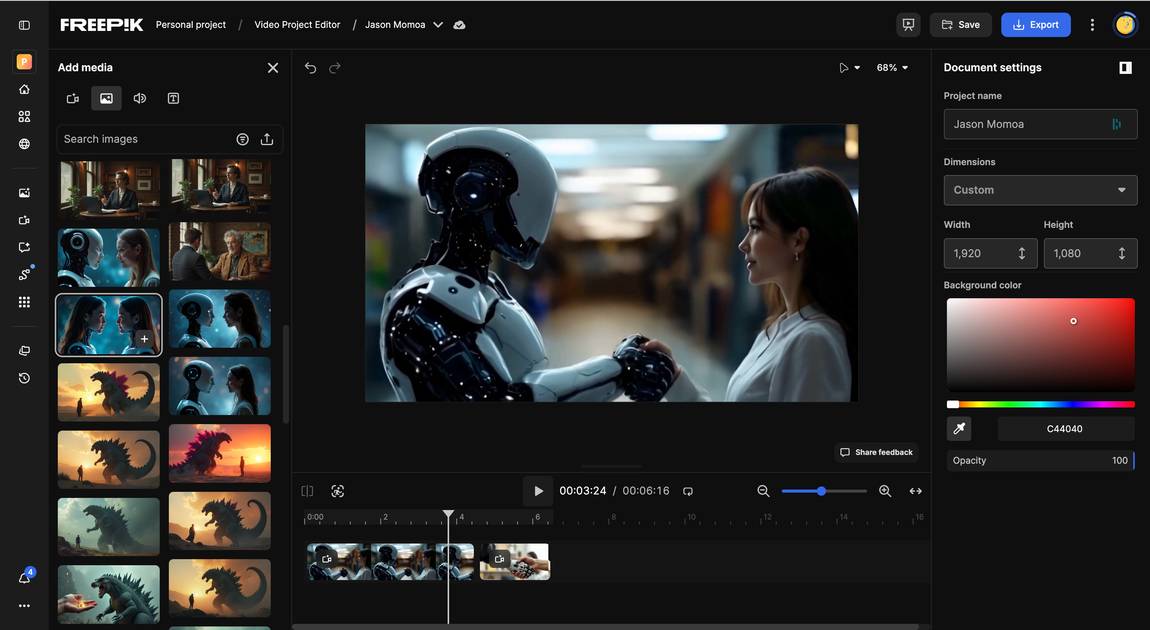


Another really special feature of Freepik is that it let's you assemble your prompt instead of having to write a really long prompt, just choose a Character, Effects, Object, Colours, Compositions, and Styles with a click. Check out the images below to get a better understanding how this works.
Freepik's AI doesn't stop at just creating static images – it can effortlessly animate them through its text-to-video and image-to-video features. The community of AI creators can now immerse their audience with content that features consistent characters across both images and videos.
With the button below you can get 20% off of Premium+ and Premium annual plans. Code is already applied.

- It allows for impressive camera movements via the "effects" feature, giving your videos a professional look with options for the type of shots including coastline views and medium speed panning.
- The image generator has evolved to become one of my current favorites, offering diverse and high-quality outputs with 4K resolution.
- The ability to access multiple video models under one subscription provides exceptional value for users – Freepik was the first platform to partner with us to debut the most advanced AI video capabilities.
- The sketch feature offers a unique way to create videos based on your visual ideas rather than just text prompts, with excellent prompt adherence.
- The reimagine feature makes editing and iterating on your creations seamless and efficient, perfect for social media content creation.
- The tool shows less racial bias than many competitors, offering more diverse representation in generated content, shaping the future of AI-generated videos.
- It supports voiceovers in multiple languages with various accent options, though currently the format may need some refinement.
- Mochi V1 is also exceptionally fast, taking only 5-10 seconds per creation, though it currently supports only image-to-video conversion.
- The API integration possibilities make it a versatile choice for creators looking to incorporate the Freepik AI video generator into their workflow.




