



AI Tool Review: Veo 3

From AI Tools for SMEs - your honest AI Tool Reviews:  user-friendly, non-technical and unbiased.
Why you can trust me: Testing Methodology & Editorial policy
Artlist Video
Video Generators
AI Video Creation Platform that lets you create videos with integrated generators, editing features, sound effects, and templates all in one place.

Veo 3

Score 
4.75
/
5
Best Tool for :
Tool performance:
5
/
5
Setup/Onboarding:
4
/
5
User Experience:
5
/
5
Prompt coherence:
5
/
5
AI capabilities:
0
/
5
Audio quality:
0
/
5
Lip sync & motion:
0
/
5
Value for money:
0
/
5
Image quality:
0
/
5
Design capabilities:
0
/
5
Pros:
Audio integration (it was the first!)
Good video quality
Camera movements and unique perspectives
Good with complex movements (prompt 1)
Does multishot well
Cons:
Expensive
Weird background noises at times
Coin icon
Monthly price starting from: $19.99
User icon
For Who?Brands who want to create ads and want good visual appeal
Special FeatureFirst to add audio and excels at Aesthetic appeal & beautiful sceneries
Key features:
Text to Video
Frames to Video
Audio & SFX
Video extension
Camera control
Scenebuilder
1080p upscaling
4K Realism
Improved Prompt Adherence
Improved Creative Control
Tested Model:
Veo 3
Last test:
April 9, 2026

My Veo 3 Review: What It Hits & Misses (+ Try Veo 3 Free)

Where Google's Video Model Glitches

❤️ Before we get started I'd like to thank you for using my affiliate links to sign up to free trials. You help me stay afloat and create more of this genuine content. ❤️

What is Veo 3?

Veo 3 is Google's AI video generator, and it's one of the most technically impressive video generation models available right now. It generates AI videos from text prompts or images, was the first to add audio to its clips, and Veo 3 understands and follows camera direction instructions in your prompt - things like "slow tracking shot", "aerial view", "dolly zoom", "handheld feel". The model generates the camera movement as part of the video.

What makes Veo 3 stand out from most other AI video generators is its adherence to prompts. When you tell it exactly what you want, it delivers...mostly. But we'll get to that later. It understands cinematic language really well, e.g. aerial shots, slow-motion tracking, golden hour lighting. It actually executes on it rather than improvising its way around the brief.

I access Veo 3 via Artlist, which is also where you can try Veo 3 free before committing to anything.

Who is Veo 3 for?

Veo 3 is a strong fit for anyone who needs technically accurate, visually polished AI videos and is willing to put the work into their prompts. It rewards specificity -- the more detailed your brief, the better the output. It's particularly good for:
  • Content creators who need clean, professional video with reliable text rendering

- Anyone working on multishot scenes with dialogue and multiple characters

- Creators who care about lip-sync and synchronized audio in their generated videos

That said, I wouldn't necessarily recommend Veo 3 as a standalone tool for most small business owners. Just like with Sora 2, you're better off having access to multiple video models in one place so you can pick the right one for each job. Veo 3 is excellent at what it does, but it doesn't do everything well -- and knowing when to reach for it versus another model is half the battle.

How I Tested Veo 3 (free)

I tested Veo 3.1 as part of my 6-model comparison on Artlist, running the same 4 prompts across Kling 3.0, Sora 2, Veo 3.1, Wan 2.7, LTX 2 Pro and Runway 4.5. Same rules every time: first generation only, no prompt tweaking, no cherry-picking.

The 4 prompts tested multishot capability and text rendering, complex human motion with crowd dynamics, cinematic scene-building, and start-to-end frame consistency.

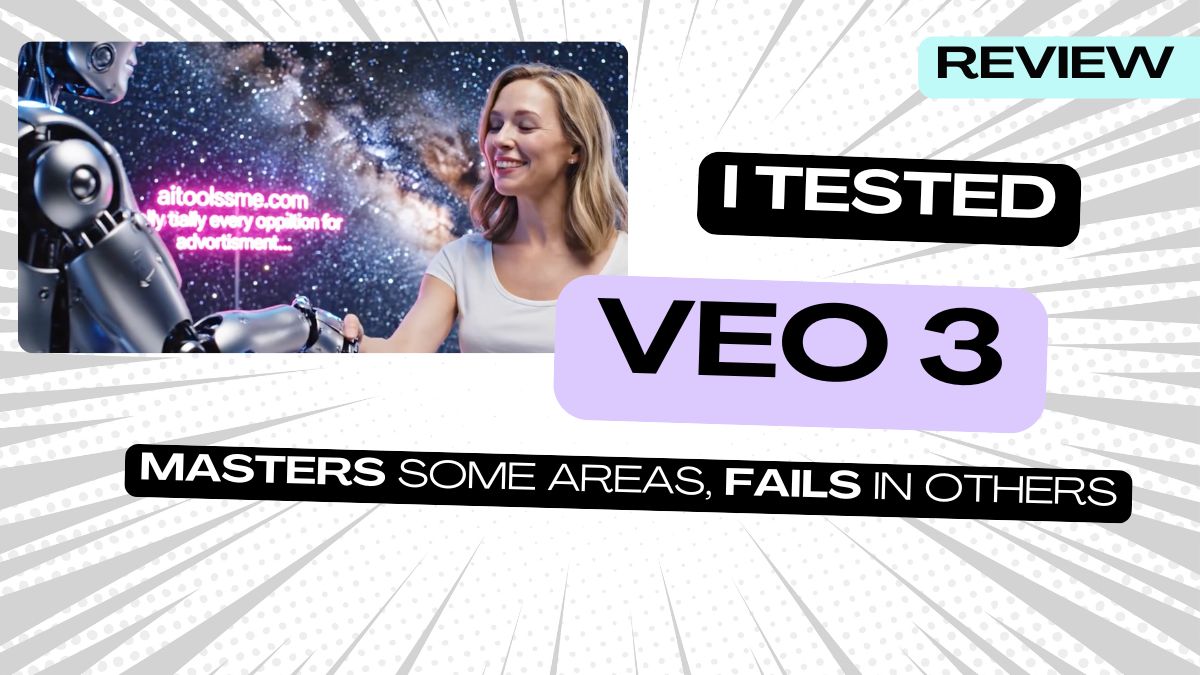
Veo 3.1 won prompt 1 and was competitive on prompt 4. It struggled on prompts 2 and 3. I was surprised how well it was able to add text in the background for prompt 1 (see below).

What Veo 3 did best: Prompt 1 - Robot Meets Human

This was the hardest prompt in the test. It stacked synchronized LED motion, a moving Milky Way, legible neon background text, voiceovers from two characters with different voices, and multiple camera angles into a single generation. Veo 3.1 came closest to nailing it. The characters look believable, it shifts perspective without overdoing it, and the neon text in the background renders correctly -- it was the only model that handled almost every requirement in one generation. The one real letdown was the audio, which didn't work despite having it switched on. I ran a second generation to check. Same result. If the sound had been delivered, this would have been close to perfect.
Try for FREE
Arrow previous
Arrow next

Where Veo 3 struggled

The breakdancing nun in prompt 2 exposed its limits fast. The nun's legs do their own thing -- none of it reads as breakdancing -- and the crowd moves in near-perfect unison, which kills the energy of what should be a spontaneous street scene. Admittedly all models except for Sora 2 struggled with this.

For the origami birds in prompt 3, the background garden was well executed but the birds land on the subject rather than swirling around her, which was a big part of the generative mission. And in prompt 4, things appear suddenly rather than smoothly -- the hibiscus flower just shows up next to the subject instead of floating in gracefully.
I also tested Veo 3 head-to-head against Sora 2 in a separate Sora 2 vs Veo 3
comparison, specifically testing for prompt coherence and realism, aesthetic appeal, and motion handling. That one ended in a dead tie on points, with each model winning the categories it was built for. Check the blog for more details.

My Veo 3 free Pros

- Best prompt adherence of any model I've tested -- when you tell it exactly what you want, it delivers

- Strongest for text rendering in video -- the only model that rendered legible neon background text correctly in my test

- Handles multishot scenes and multiple characters better than most competitors

- Cinematic camera movement feels intentional rather than random

- Great for dialogue scenes -- lip-sync and character believability are genuinely strong (when audio is working)

My Veo 3 free Cons

- Audio is inconsistent -- in my testing it simply didn't work on multiple prompts despite being switched on, which is frustrating for a model that markets native audio as a headline feature

- Can still have that polished AI look that makes videos feel slightly artificial at times

- Struggles with complex human motion -- breakdancing, dynamic crowd energy, anything requiring specific body mechanics

- Things appear suddenly rather than transitioning smoothly -- objects and elements pop into frame instead of flowing in naturally, for example the hibiscus flower from my prompt 4 (video below)

Try For FREE
Arrow previous
Arrow next

Where to Try Veo 3 Free

The easiest way to try Veo 3 free is through Artlist. You get one free video generation on signup, which is enough to run a real test with your own prompt. It's also where I access Veo 3 myself, alongside Sora 2, Kling and other models in one place.

If you want more free Veo 3 generations, Synthesia's AI Playground also gives you free access without a waitlist or invitation code.
Beyond that, free Veo 3 access is limited. Google offers a free tier via Gemini but it's heavily restricted -- resolution is capped and generation limits kick in fast. For regular use you're looking at Google AI Plus or Pro, and the pricing tiers aren't exactly transparent about what you're actually getting at each level.

Try For FREE

Veo 3 FAQs

Is Veo 3 free? You can try Veo 3 free via Artlist with one free generation on signup with a free account. Google also offers a limited free AI video generator Veo 3-tier via Gemini, but it's capped on resolution and generation limits. For real production use, you'll need a paid plan.

Is Veo 3 on Artlist the same quality as the official version? Yes. Artlist integrates the official Veo 3 model directly so your AI-generated videos are identical in quality to what you'd get going through Google. The advantage of using it via Artlist is that you get access to multiple video generation models -- Sora 2, Kling, Seedance and others -- all in one platform.

What is Veo 3 best for? Veo 3 is best for technically accurate, cinematic AI videos where text rendering, multishot capability and prompt adherence matter. It's the strongest model I've tested for scenes with legible text, believable characters and controlled camera movement. It's not the best choice for complex human motion or scenes requiring smooth, organic transitions. It also struggles with serene beautiful scenes in my opinion.

What is the difference between Google Veo 3 and Veo 3.1? Veo 3.1 is a refinement of the original Veo 3 -- better stability, more consistent character generation, improved lip-sync and more controlled motion. It's not a dramatic leap but it's noticeably more reliable for professional video production workflows. It was Veo 3.1 that killed it in my test.

Does Veo 3 have native audio? Yes, Veo 3 AI video generator has synchronized audio including dialogue, ambient sound and background music alongside the video. In my testing the video with audio was inconsistent -- it didn't fire on several prompts even with audio switched on -- but when it works it's genuinely strong, particularly for dialogue scenes with lip-sync.

Is Veo 3 good for small businesses? It depends on what you need it for. If you're creating cinematic short-form content, product videos or anything requiring accurate text rendering, Veo 3 is a strong option. For most small business owners I'd recommend accessing it alongside other video models via platforms like Artlist or Freepik rather than directly through Google, so you have multiple models available rather than being locked into one.

Try For FREE
Author:
Lili Marocsik
Lili remembers the excitement of discovering the internet at 14 — a true window to the world. The AI boom now feels just as thrilling. Since 2023, she's tested many AI tools, seeing the good, the bad and the ugly (especially at the beginning). Before AI, she worked as a video marketer, crafting YouTube Ads for HelloFresh and Revolut. She believes AI should empower people, leading her to build this site for SMEs. When not exploring AI, she enjoys her 30 plants and modern art.
Author Lili Marocsik

Bi-weekly: the best AI Tool picks, hot DEALS, and tips you can use straight away.

By entering your email, you agree to receive occasional updates and marketing emails from us. You can unsubscribe at any time. Privacy policy
Black arrow icon


