










❤️ Before we get started I'd like to thank you for using my affiliate links to sign up to free trials. You help me stay afloat and create more of this genuine content. ❤️
What is Veo 3?
Veo 3 is Google's AI video generator, and it's one of the most technically impressive video generation models available right now. It generates AI videos from text prompts or images, was the first to add audio to its clips, and Veo 3 understands and follows camera direction instructions in your prompt - things like "slow tracking shot", "aerial view", "dolly zoom", "handheld feel". The model generates the camera movement as part of the video.What makes Veo 3 stand out from most other AI video generators is its adherence to prompts. When you tell it exactly what you want, it delivers...mostly. But we'll get to that later. It understands cinematic language really well, e.g. aerial shots, slow-motion tracking, golden hour lighting. It actually executes on it rather than improvising its way around the brief.
I access Veo 3 via Artlist, which is also where you can try Veo 3 free before committing to anything.
Who is Veo 3 for?
Veo 3 is a strong fit for anyone who needs technically accurate, visually polished AI videos and is willing to put the work into their prompts. It rewards specificity -- the more detailed your brief, the better the output. It's particularly good for:- Content creators who need clean, professional video with reliable text rendering
- Anyone working on multishot scenes with dialogue and multiple characters
- Creators who care about lip-sync and synchronized audio in their generated videos
That said, I wouldn't necessarily recommend Veo 3 as a standalone tool for most small business owners. Just like with Sora 2, you're better off having access to multiple video models in one place so you can pick the right one for each job. Veo 3 is excellent at what it does, but it doesn't do everything well -- and knowing when to reach for it versus another model is half the battle.
How I Tested Veo 3 (free)
I tested Veo 3.1 as part of my 6-model comparison on Artlist, running the same 4 prompts across Kling 3.0, Sora 2, Veo 3.1, Wan 2.7, LTX 2 Pro and Runway 4.5. Same rules every time: first generation only, no prompt tweaking, no cherry-picking.The 4 prompts tested multishot capability and text rendering, complex human motion with crowd dynamics, cinematic scene-building, and start-to-end frame consistency.
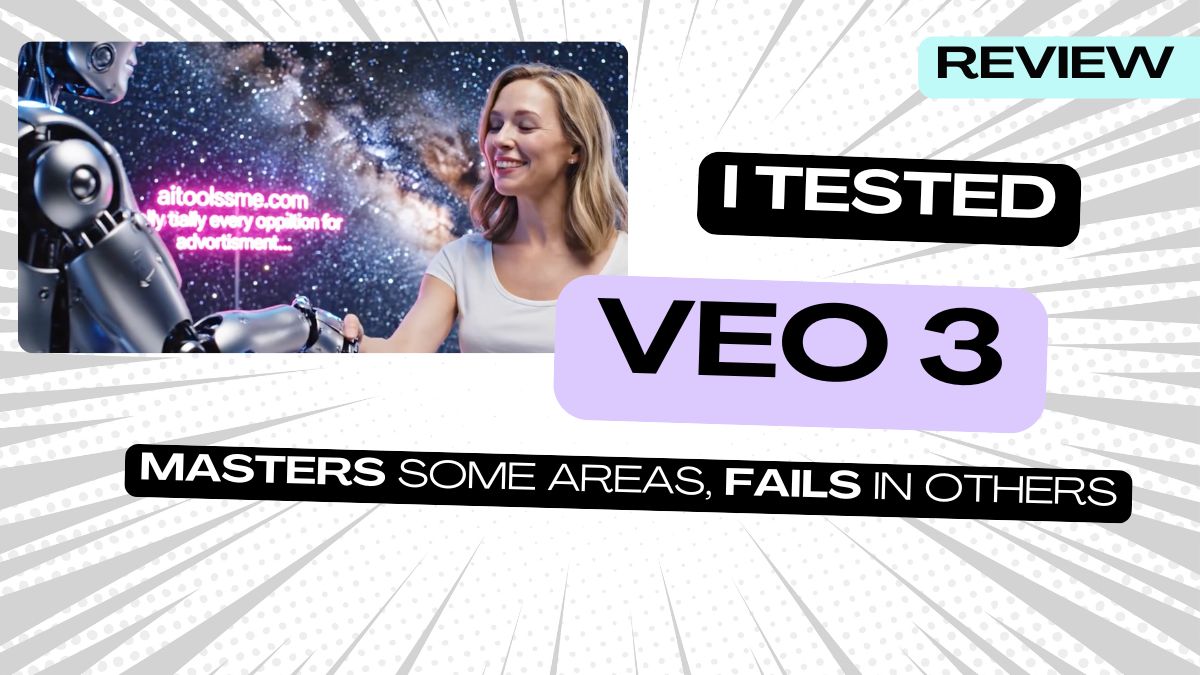
Veo 3.1 won prompt 1 and was competitive on prompt 4. It struggled on prompts 2 and 3. I was surprised how well it was able to add text in the background for prompt 1 (see below).


%20Small.avif)