






That last bit matters more than people realise, more on that below.
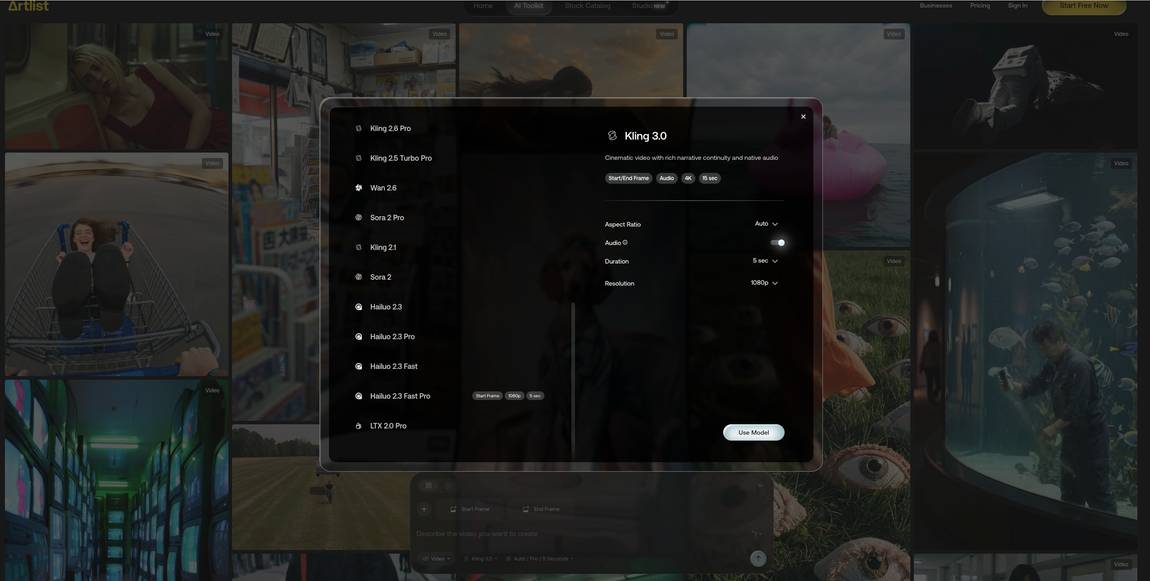
The main generative video models These are the text-to-video and image-to-video models you'll spend most of your time in:- Veo 3.1, Veo 3.1 Lite, Veo 3.1 Fast and Veo 3.1 Extend Video (from 252 to 1000)
- Kling 3.0, Kling 3.0 Motion Control, Kling O3, Kling O3 Video Edit, Kling 2.6 Pro, Kling 2.5 Turbo Pro, Kling 2.1 and Kling 1.6
- Seedance 2.0, Seedance 2.0 Fast, Seedance 1.5 Pro and Seedance 1.0 Pro Fast (from 80 to 800)
- Wan 2.7 and Wan 2.6 (Wan 2.7 supports start and end frame, 1080p and native audio)
- Hailuo 2.3, 2.3 Pro, 2.3 Fast and 2.3 Fast Pro
- Grok Imagine and Grok Imagine 1.5
- LTX 2.3 Pro and LTX 2.0 Pro
- Happy Horse 1.0 (newer addition)
My favourite model for start and end frame work is Kling. The transition between the two frames feels the most natural to me and I get the fewest odd artefacts in the middle of the clip. Wan 2.7 also supports it and is worth a look if you want native audio baked in.
For overall video generation, where I'm not locking the start and end, Sora 2 is still my favourite. The motion feels more grounded and the prompt following is the most reliable of the bunch.
I tested six of these models side by side on the same prompt in a separate post if you want to see how they actually compare in practice:
Part 1 & Part 2.
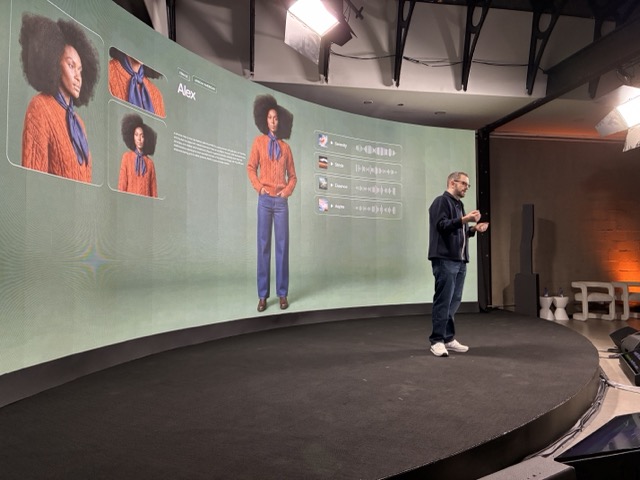
- OmniHuman 1.5 Avatar for avatar generation (30 second clips)
- Lipsync v2 Pro for matching lip movement to an audio track
- Fabric 1.0 Avatar and Aurora Avatar as newer avatar options
- ElevenLabs Dubbing for dubbing into other languages
These sit alongside the generative models in the same picker, so you can switch between generating a scene and, for example, dubbing it into another language without leaving the Artlist video interface. For anyone doing localisation or talking-head content, having them in the same place as the generative models saves a real chunk of time.

- OmniHuman 1.5 Avatar for avatar generation (30 second clips)
- Lipsync v2 Pro for matching lip movement to an audio track
- Fabric 1.0 Avatar and Aurora Avatar as newer avatar options
- ElevenLabs Dubbing for dubbing into other languages
These sit alongside the generative models in the same picker, so you can switch between generating a scene and, for example, dubbing it into another language without leaving the Artlist video interface. For anyone doing localisation or talking-head content, having them in the same place as the generative models saves a real chunk of time.
%20Small.avif)