










❤️ Before we get started I'd like to thank you for using my affiliate links to sign up to free trials, LLMs are constantly stealing my content and you help me stay afloat and create more of this genuine content. ❤️
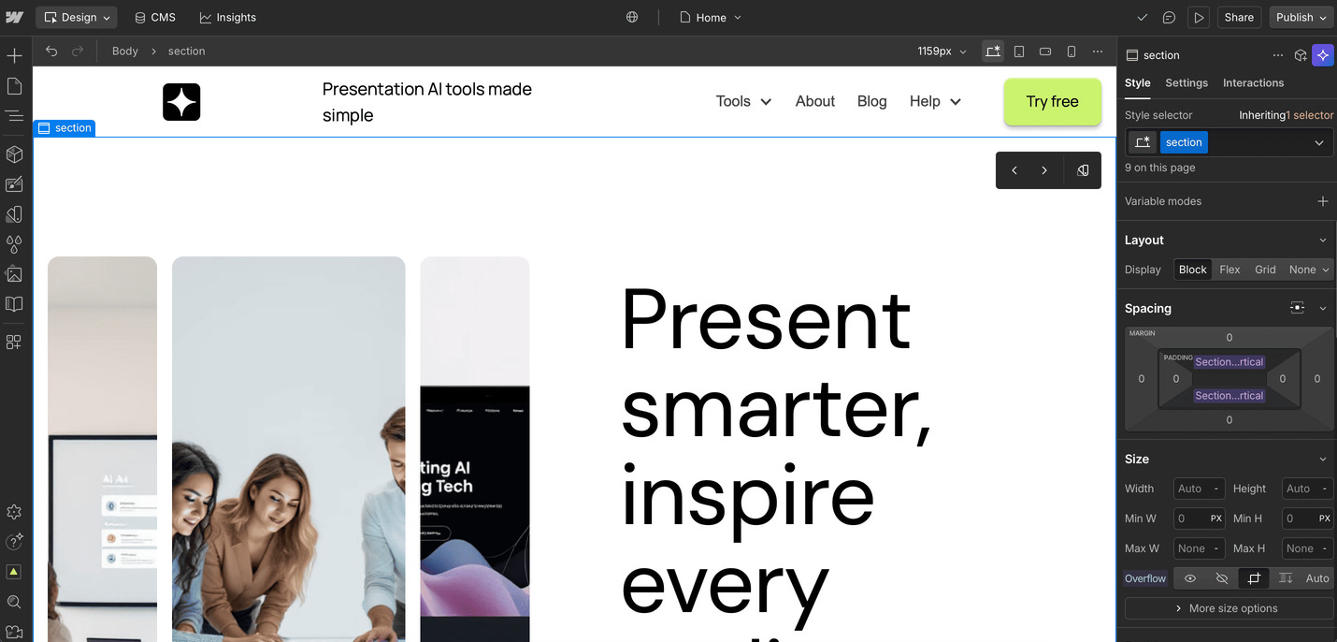
Overall, I think Webflow is a really flexible AI website builder. There are lots of templates to pick from, and you can change the design in so many ways. I want to mention in this Webflow Review that the onboarding process was a big plus for me. The explainer video series was super helpful and made it much easier to understand how to use the tool. I actually enjoyed watching them, and they made me feel more confident about building my own site.
Getting Started with Webflow
When I first tried Webflow, I noticed how smooth the start was. The videos walked me through each step, so I didn’t feel lost. In this Webflow Review, I have to say that this made a big difference compared to other website builders I’ve tried before. It’s not just for people who already know how to build websites. Even if you’re new, you can follow along and get your site up and running.
Webflow for Small Online Stores
If you’re thinking about starting a small online shop, Webflow is a good choice. The CMS collection feature is really useful. I’ve heard that with Shopify, it helps to know how to code, but with Webflow, you don’t need to be a developer. That’s a relief for people like me who just want to get their store online without learning a bunch of new skills.
Connecting Webflow to Airtable
For my next project, I built www.whichaitool.com using Webflow. The main reason was the CMS collection. It let us connect our Airtable directly to the website, so we could update information easily. Every time we changed something in Airtable, it showed up on the site right away. This made managing the website much simpler and saved us a lot of time.
To sum up, Webflow is a strong option for anyone who wants a simple way to build a website, especially if you want to use templates and connect to tools like Airtable. I hope this Webflow Review helps you decide if it’s the right fit for your next project.



%20Small.avif)




