






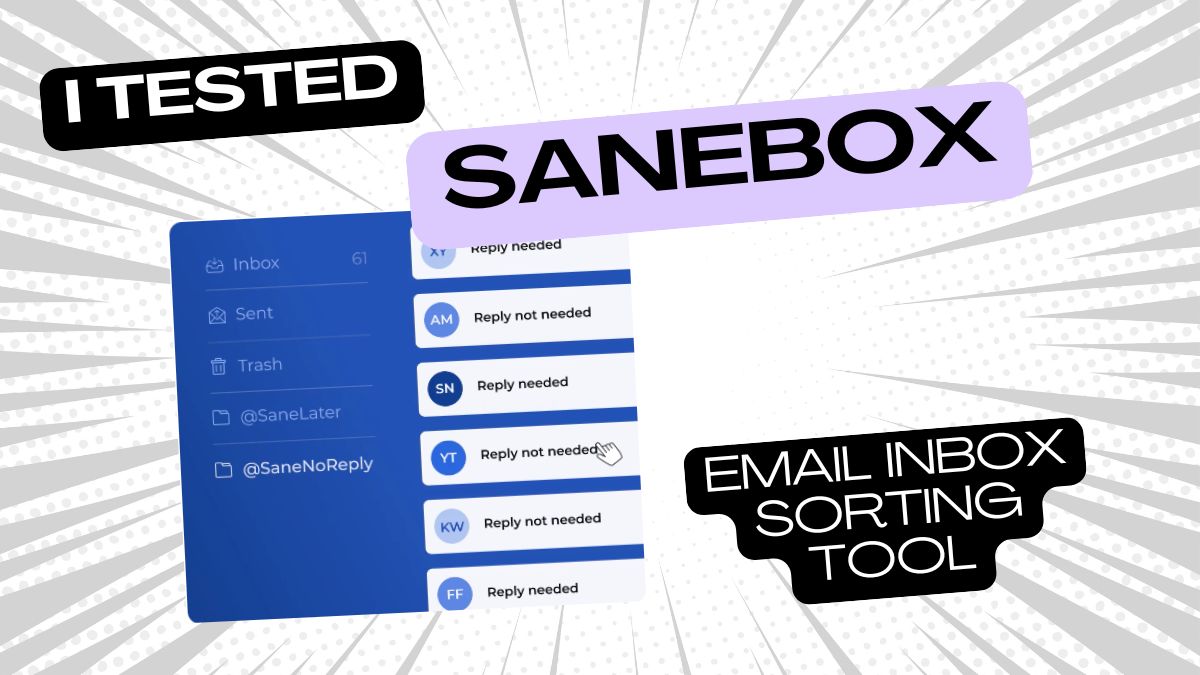



SaneBox is an AI email management system that sits on top of your existing inbox and sorts your emails into folders automatically, so you only see what actually matters. It works with Gmail, Outlook, iCloud, Yahoo and pretty much any IMAP email account. Nothing to install, no browser extension, it just plugs into your email server and gets to work.
Here are the main features:- SaneLater: The folder where unimportant emails get filtered automatically. In my experience this is more like a backup trash where I can still find things if they come up again. Important stuff comes up all the time, but most of what lands here I'll probably never see again.
- SaneNews: Newsletters and bulk mail get sorted here so they stop clogging up your main inbox.
- SaneBlackHole: Move an email in here and you'll never hear from that sender again. More on this below.
- SaneNoReplies: Shows you a folder of all the emails you sent that never got a reply. Useful for following up without having to scroll back through your sent folder.
- SaneSnooze: Move an email in here and it reappears when you actually need it. You can pick SaneTomorrow, SaneNextWeek or SaneNextMonth depending on when you want it back.
- Reminders: SaneBox nudges you if someone doesn't reply to an email you sent, so nothing slips through.
- Deep Clean: SaneBox scans your inbox and shows you which senders and newsletters are flooding it the most, so you can clean out old contacts and clutter in bulk instead of going through emails one by one.
My favorite features is SaneBlackHole:
You move an email into the SaneBlackHole folder and SaneBox holds any new emails from that sender for up to 7 days before moving them to trash, so you never see them in your inbox again. If you change your mind, just drag the email back to your inbox and SaneBox retrains on that sender.
Who is SaneBox for?
For people who get too many emails and have a hard time keeping track of everything. Especially good for inbound sales requests, small business owners who manage client communication through their inbox without a CRM, and anyone working with lots of leads or external contacts.How I tested SaneBox
This is mostly my problem: I get a lot of backlink and guest posting requests, which are time consuming to communicate on and follow up. I easily lose track of which email I still need to reply to or which ones I haven't heard back from.Of course I could track everything in Airtable, but these requests are so fleeting that I don't want to take the time to write down so much info when nothing usually comes of it anyway.
I prefer to solve the problem inside the inbox instead of outsourcing it to another tool. So I went looking for different solutions and came across SaneBox, an email sorting software that sounded like exactly my kind of fix.
My SaneBox test
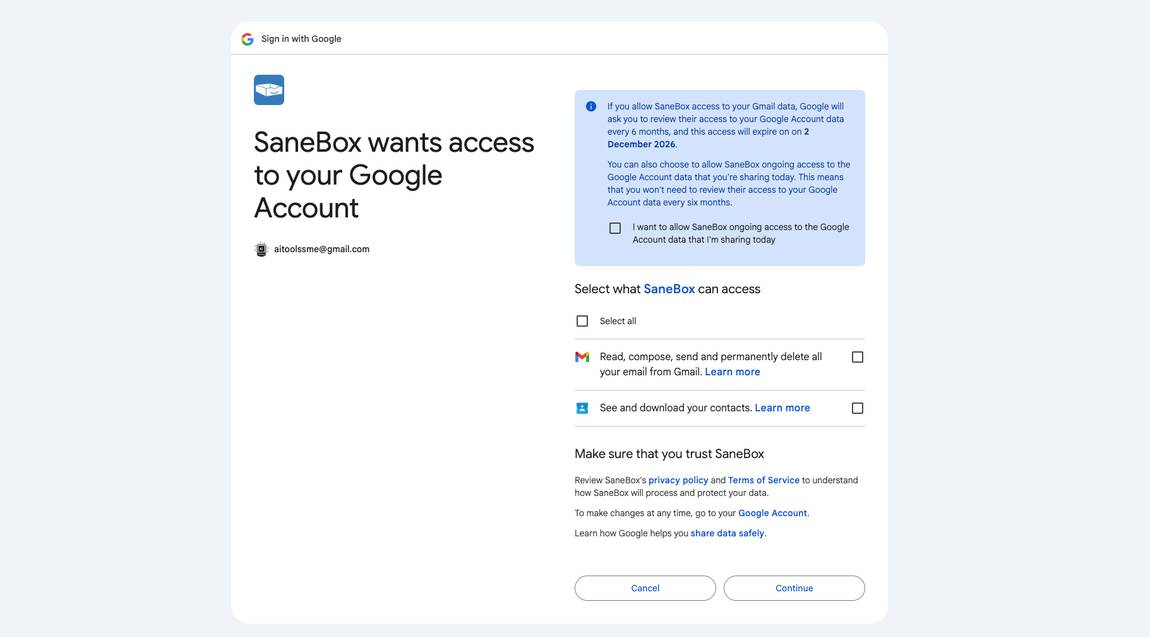
Alright, I'm ready for a clean inbox and I don't want to have to tidy up ever again myself. This is what AI is made for, no?The onboarding starts with SaneBox asking me a few questions (see screenshots) and I say yes to everything. Do I want a Blackhole where I can ban all the outreach emails I find completely annoying but can't really mark as spam? Hell yes I do.
I also enable SaneLater, SaneNews, SaneNoReplies, SaneTomorrow, SaneNextWeek, SaneNextMonth and the reminders, because I want to see what each one actually does for me.
The first real task is banishing annoying senders into SaneBlackHole. SaneBox shows me a suggested list of 25 potential candidates and I'm wondering why Gmail never suggested the same thing. These candidates are mostly things like Instagram newsletters that I always delete manually instead of unsubscribing. SaneBox will now handle the unsubscribing for me automatically.



%20Small.avif)




